

- Home
- Industries
- Medical-supplies distribution
ERP for medical supplies distributors: track every surgical loan set on ERPNext
An ERP for medical supplies distributors has to follow more than stock on a shelf. It has to follow every surgical loan set: which hospital holds it, what the surgeon used, what came back damaged and what you must bill. So we built exactly that on ERPNext.
- Batch and serial numbers on every implant movement
- One stock transfer moves a set's contents
- Used items invoiced from the delivery note
- Hospital payments matched by sales order
The loan-set cycle at medical supplies distributors, from request to shelf
Operation request
Sales records the hospital, the doctor, the date and the sets the operation needs.
Operation order
The warehouse opens an order, then holds a free box of each type.
Prepare and fill
The warehouse tops up the boxes and sets loose items aside.
Delivery
A delivery plan gives each agent a task, and the sets reach the hospital.
Collection
After the operation, a return plan brings the sets back to the branch.
Receipt and billing
The warehouse counts each item as used, damaged or returned, then the used items go on a delivery note.
Close and inspection
When the order closes, an inspector checks the damaged items, and the box waits for its refill.
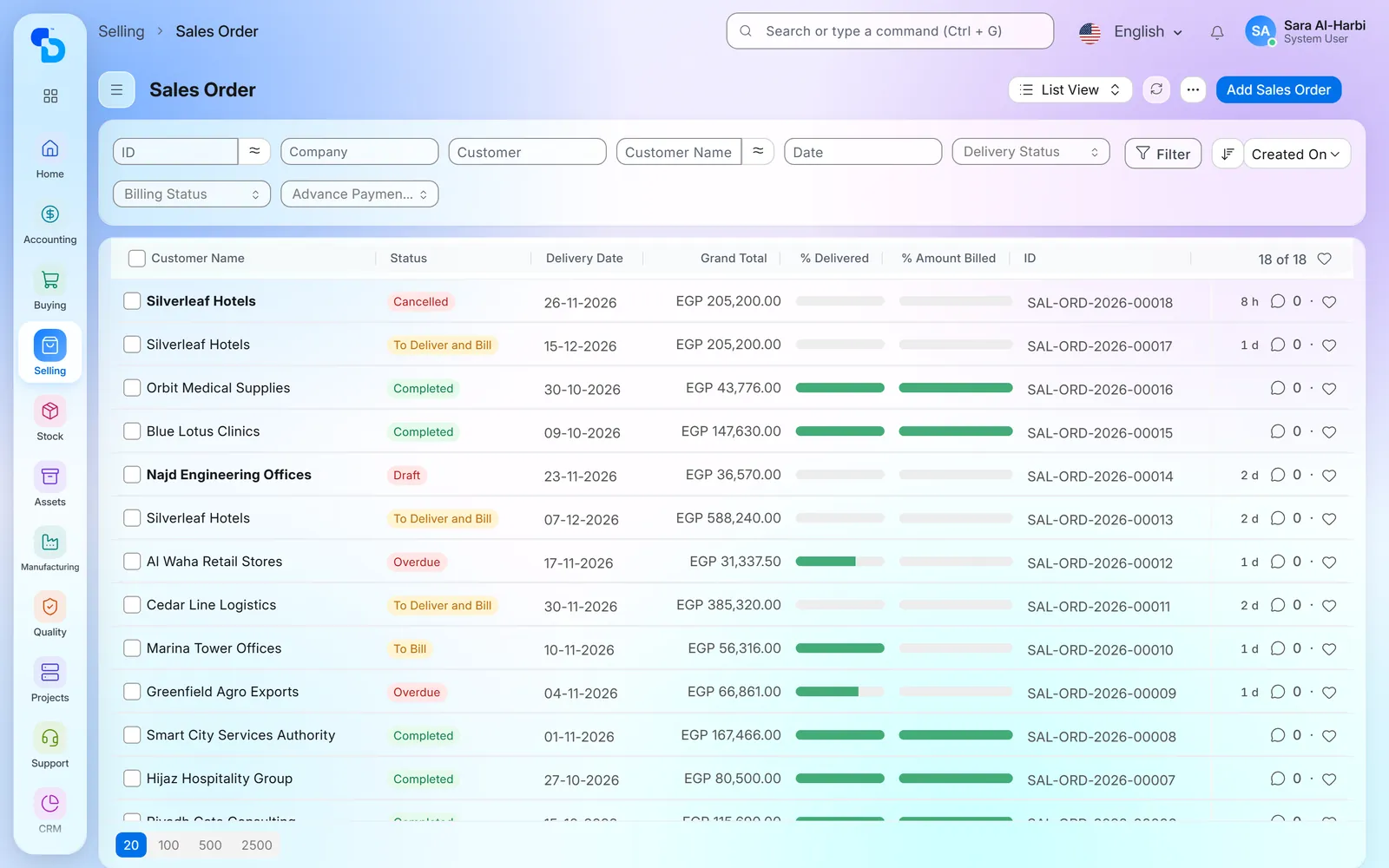
What medical supplies distributors struggle with, and how the system we built answers
Nobody is sure where a set is
Loan sets move every day between the warehouse, the agents’ cars and the hospitals. When their location lives in phone calls and spreadsheets, nobody knows which sets are free tomorrow.
- The box location report shows every box with its status, its availability, the order holding it and its location.
Two operations book the same set
Two sales people book the same set for the same operating day. The clash shows only when the box is missing from the shelf.
- The box picker offers only free boxes of the right type, so a box serves one active operation at a time.
A set reaches the theatre incomplete
A set is only useful when every plate, screw size and instrument is in it. But each operation consumes some of them, and the gaps are easy to miss.
- The system compares the stock in each box with the quantities its template requires, and the box shows Ready only when every required consumable is there.
Used implants reach the invoice late
The hospital notes what the surgeon used on a paper sheet. When that sheet reaches accounts late, the invoice goes out late or never.
- When a set comes back, the warehouse declares each item as used, damaged or returned. Used quantities then go on a delivery note.
Damaged items disappear into adjustments
Instruments and implants come back bent, opened or incomplete. Without a record per operation, the loss eventually ends up in a year-end stock adjustment.
- The system parks reported damage in a holding location until an inspector checks it. The inspection then writes off the real damage and returns the rest to stock.
Deliveries run on phone calls
Each operation needs a delivery before it and a collection after it. But one missed collection leaves an expensive set idle at the hospital.
- Delivery and return plans create one task per hospital and agent, and the order's status then follows those tasks.
What we set up in an ERP for medical supplies distributors
Eight parts we built or configured for the surgical loan-set cycle of a distributor in Egypt, on top of standard ERPNext.
Loan-set templates and boxes
A box type is the template of a loan set. It lists the surgical instruments, registered as fixed assets, and the consumables such as plates and screws, each with its size and required quantity. You create every physical box from its type, and each box gets its own stock location. The box form then shows required against in-box quantities and a status: Not Ready, Ready or In Use.

Operation requests per hospital and doctor
Sales starts each case with an operation request, either directly or from a CRM opportunity. The request records the operation date, the hospital, the doctor, the patient, the sales person and the order type. It also lists the operation types and the box type each one needs. After approval, its fulfilment status follows the orders behind it until they close.

Operation orders that hold a complete box
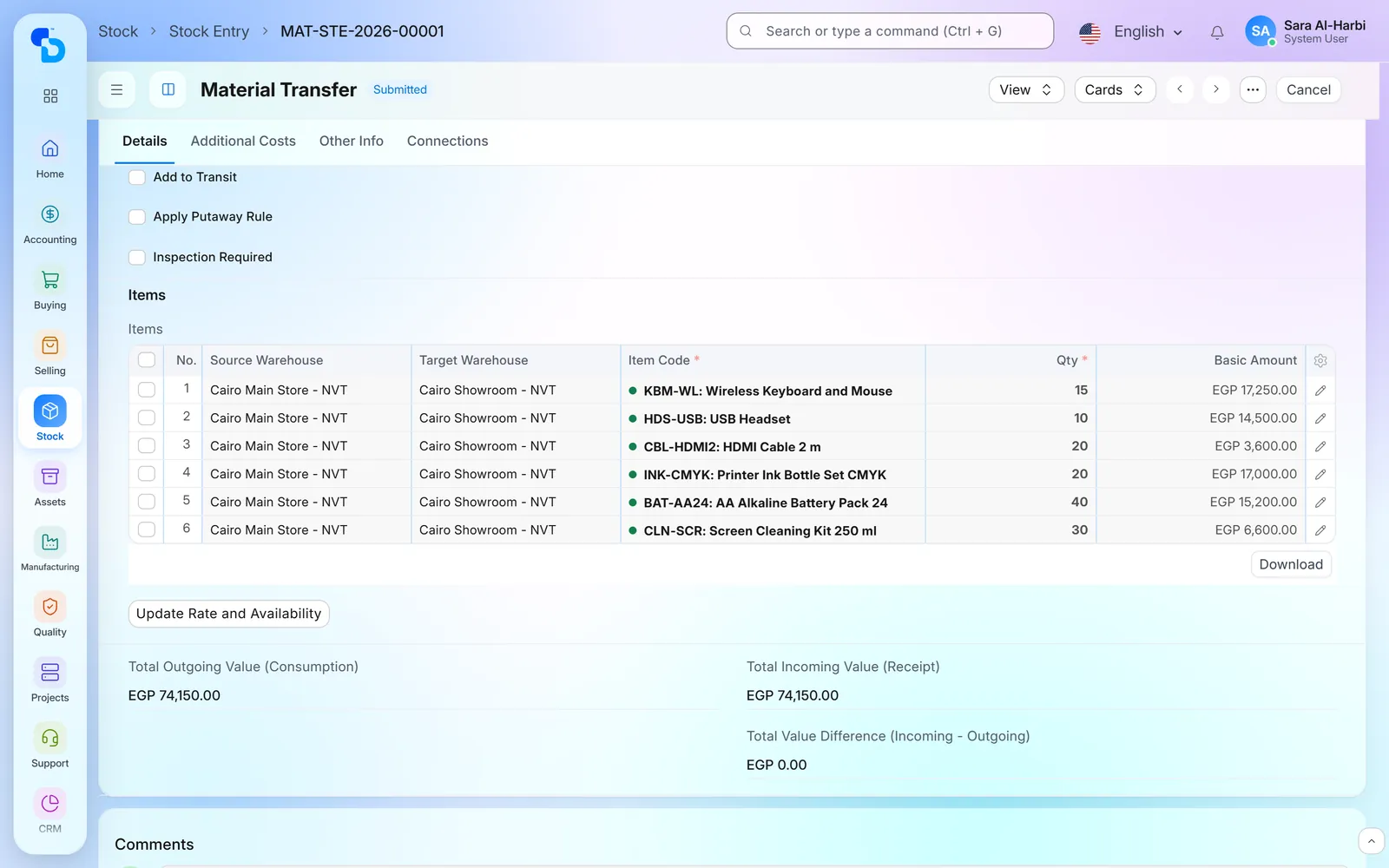
The warehouse turns the request into an operation order, then picks a box for each operation type. The picker offers only free boxes of the right type, so one box serves one active operation at a time. Fill Box then shows what every box is short of and tops it up with one stock transfer. Prepare sets aside the items that travel without a box, and moves nothing if any of them is short.
Delivery, return and technical plans
A delivery plan covers one branch and a range of operation dates. The planner fetches the orders, chooses the plan type (deliver, return or technical) and then assigns an agent to each row. When the planner submits the plan, the system creates one task per hospital and agent. The agent then moves the task through its steps, and the order moves by itself from ready for delivery to in hospital, ready for return and collected.

Receiving: used, damaged or back in stock
When a set comes back, the warehouse opens one receive screen for the order. For each item it enters the quantity used and the quantity damaged, and the system treats the rest as good stock returned. Used quantities go on a delivery note, which accounts then invoice as usual. The order stays open while any quantity is pending.

Damaged items inspected before write-off
Damage reported at receipt does not vanish into a stock adjustment. When the order closes, the damaged quantities move to a separate holding location, and the system opens an inspection for that order. The inspector then enters the actual damage on every row. When the inspector submits the inspection, the system writes that part off and returns the rest to its original location.

Box location report and box history
One report answers the planner’s daily question: where is every set? For the date you choose, it lists each box with its type, status, availability, holding order and location, whether a hospital or a warehouse. You can filter by branch, box, box type or availability. Every box also keeps a history line for each order.
Sets lent between branches
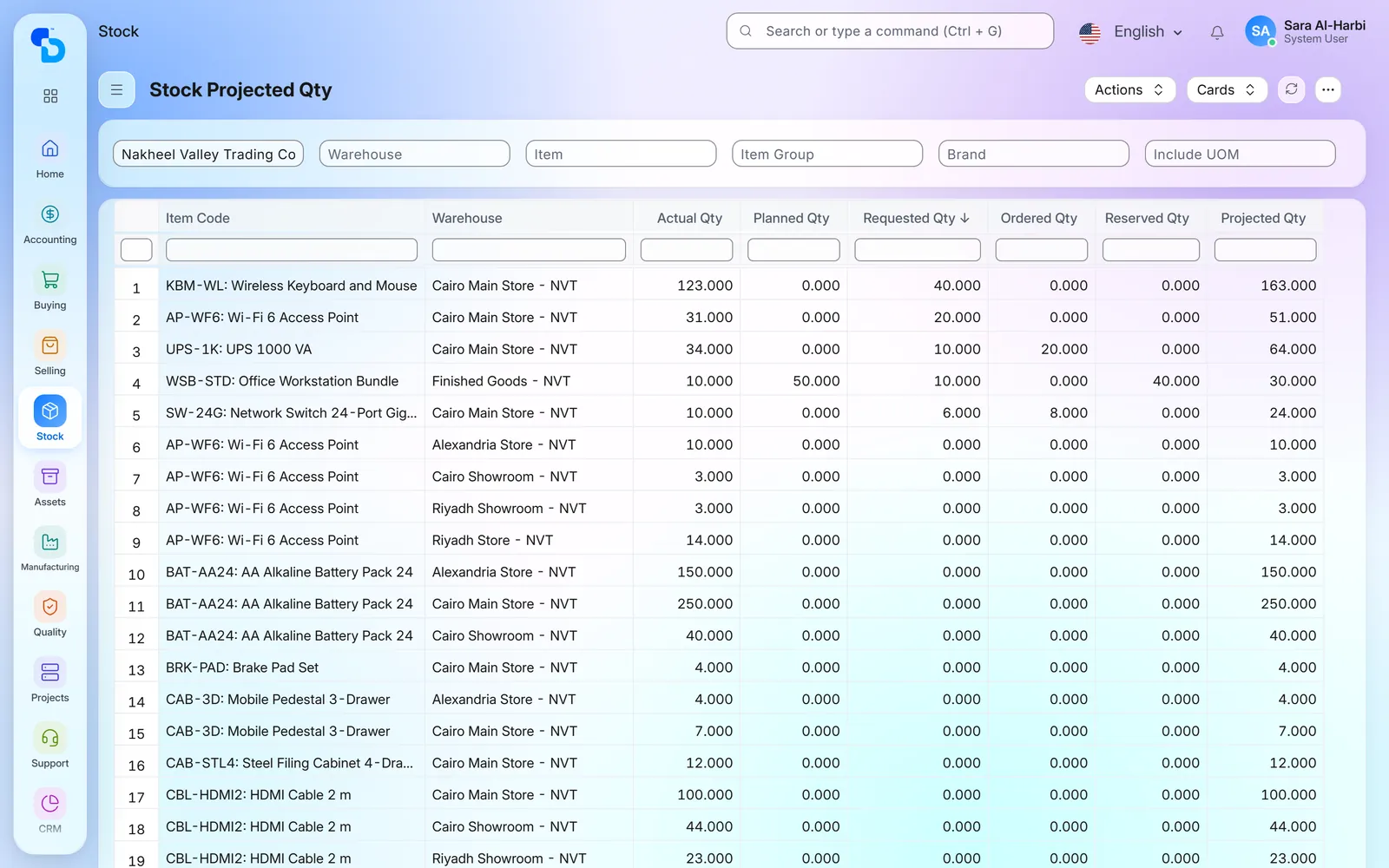
When a branch has no free set, the request can ask another branch for it. The supplying branch then prepares its own order. As soon as the receiving branch approves, one stock transfer moves the box and its contents to that branch’s warehouse. After the operation, the receiving branch lists what goes back, and the supplying branch then accepts the return.

Screens show demo data.
Modules used in this medical supplies ERP, and integrations available
Warehouses, transfers, and batch and serial numbers.
Surgical instruments registered and moved as fixed assets.
Sales orders, delivery notes and invoices.
Opportunities and the sales pipeline.
Purchase receipts into the right warehouse.
Receivables per customer, and payments matched by sales order.
Sends sales invoices and credit notes to the Egyptian Tax Authority.
Clears and reports invoices to ZATCA, with a QR code on the print.
Where we have built this medical supplies ERP
A distributor of medical devices and surgical supplies in Egypt
Medical-supplies distribution · Egypt
Every loan set followed from the hospital’s request to its return.
- Inventory
- Fixed Assets
- Sales
- CRM
- Purchasing
- Accounting
- HR and Payroll
- Loan-set templates and boxes, required against in-box
- Operation requests and orders per hospital and doctor
- Delivery, return and technical plans with agent tasks
- Receipt of used, damaged and returned items, then delivery notes
- Damage inspection, box location report and branch lending
Frequently asked questions about medical supplies ERP
Have you built an ERP for medical supplies distributors before?
Yes. We built this system for a distributor of medical devices and surgical supplies in Egypt. It follows loan sets from the hospital’s request to their return, on top of standard ERPNext. However, we keep the client’s name private.
How does the system know what an operation used?
The warehouse declares it when the set comes back. For every item it enters the used and the damaged quantity, and the rest counts as returned. Used quantities then go on a delivery note.
Can the medical supplies ERP track batch and serial numbers of implants?
Yes. Batch and serial numbers are standard ERPNext: a tracked item cannot be received without them, and every movement records them. For the distributor in Egypt, we also built a picker for the operation order. It offers only the batches and serials inside that box, earliest expiry first.
Can we log complaints from doctors and hospitals?
Yes, in the system we built for the distributor in Egypt. A complaint records the doctor, the hospital, the category, the source and the priority. Categories include missing item, damaged item, delivery, technical and billing. The form also shows earlier complaints from the same doctor or hospital.
Does it cover delivery cars and drivers?
Yes. A vehicle log records the driver, the odometer reading, fuel and service costs. For the distributor in Egypt, we also built tasks that can name their car and driver.
How does the medical supplies ERP match hospital payments to invoices?
Accounts record the hospital’s payment against the sales order, and the invoice made from that order picks the payment up by itself. For the distributor in Egypt, we also built a payment document with its reference, the paid amount and an attached copy.
Is this ERP for medical supplies distributors standard ERPNext or custom work?
Both. Stock, sales, purchasing, accounts, assets and HR are standard ERPNext. On top of that, we built the loan-set templates, operation requests and orders, delivery plans, agent tasks, damage inspections and the box location report for the distributor in Egypt.
Related industries
Clinics, hospitals and medical centres on one system.
Buy, stock and sell in one system.
Lending surgical sets to hospitals? Ask about a medical supplies ERP like this one
Tell us how your sets travel from request to return. We will then tell you how we would set up the same steps on ERPNext.