Services · Start & build
Custom development on Frappe, for what ERPNext does not do yet
When your work does not fit the standard screens, we build it: new documents, workflows, portals, reports and apps on the same Frappe framework as ERPNext.
It is how we built our own ready-made solutions, App Store apps and connectors.
- Separate app, upgrade-safe
- Arabic and English, right to left
- Tested on a copy of your site
- Works with ERPNext v15 and v16
Who it is for
For companies whose work does not fit a standard screen
- Companies already on ERPNext with a gap
- Sectors with their own documents and rules
- Teams replacing spreadsheets and paper forms
- Businesses that need a portal for clients or suppliers
- Partners who need a Frappe team
Check first
It may already exist
Before we write new code, we check our ready-made solutions and App Store apps. Reusing one is faster to start and easier to support.
What we build
What we build on Frappe
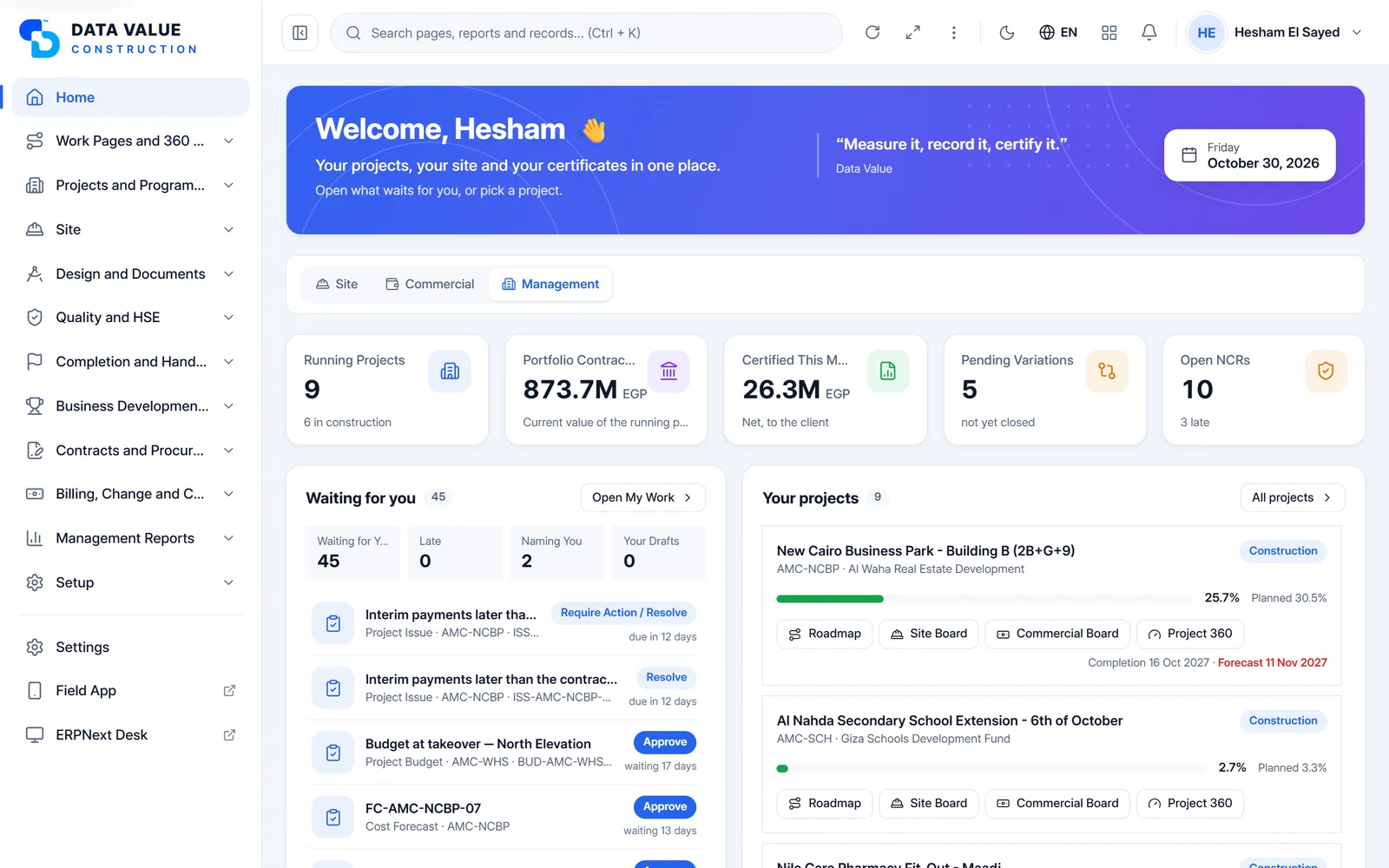
6 kinds of work, each shown with a real screen from an app we built.
Apps and workflows
New documents with their own workflow
Model the way your team really works, with states, roles and approvals.
- New DocTypes linked to customers, items and accounts
- Workflow states, approvals and actions by role
- Notifications by email, system alert or WhatsApp
- Accounting and stock entries created for you

Apps and workflows
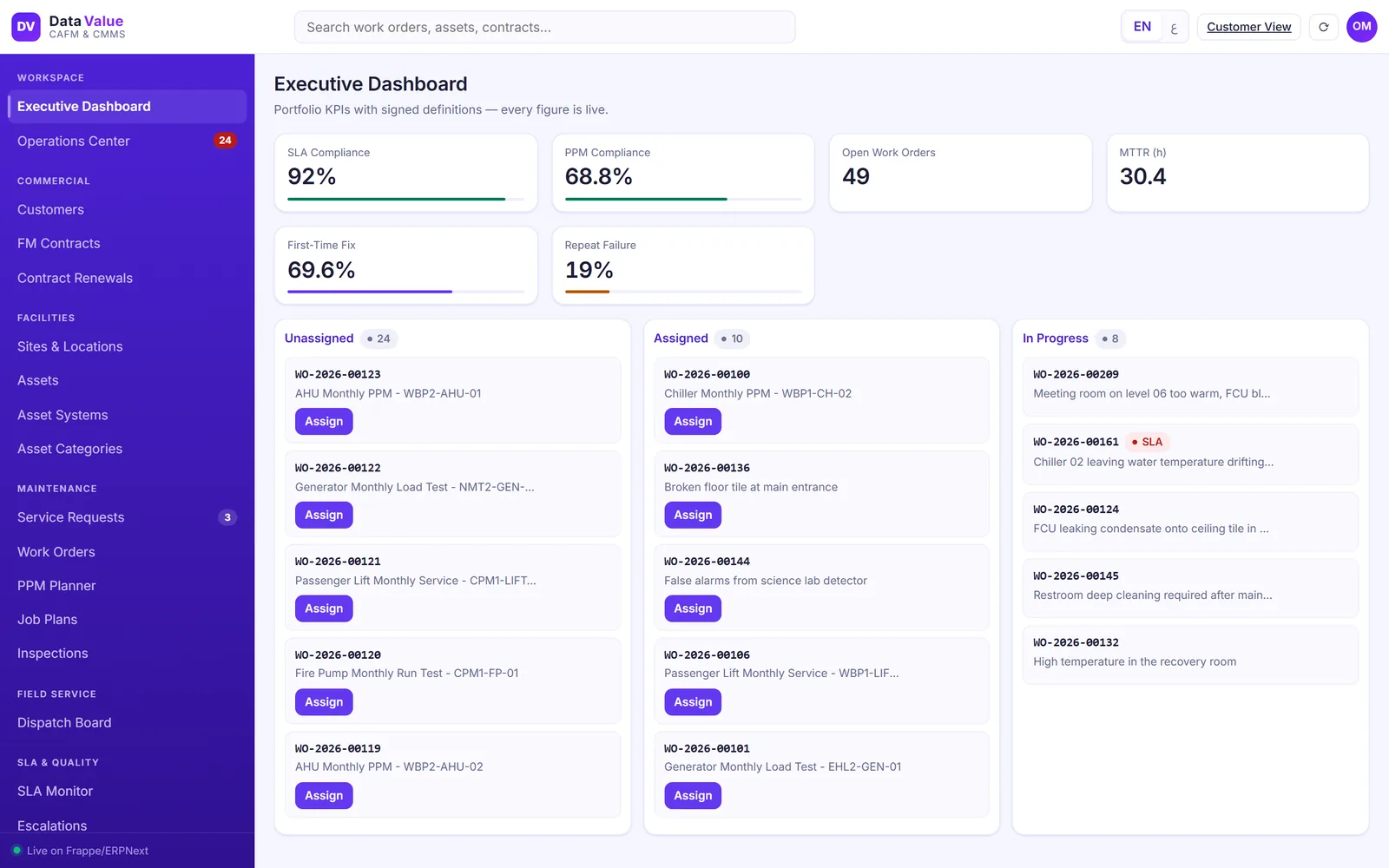
Workspaces and live dashboards
One screen per role, with the numbers and queues that person acts on.
- Number cards and charts from your own data
- Queues of work waiting for each team
- Links straight to the documents behind each number
Apps and workflows
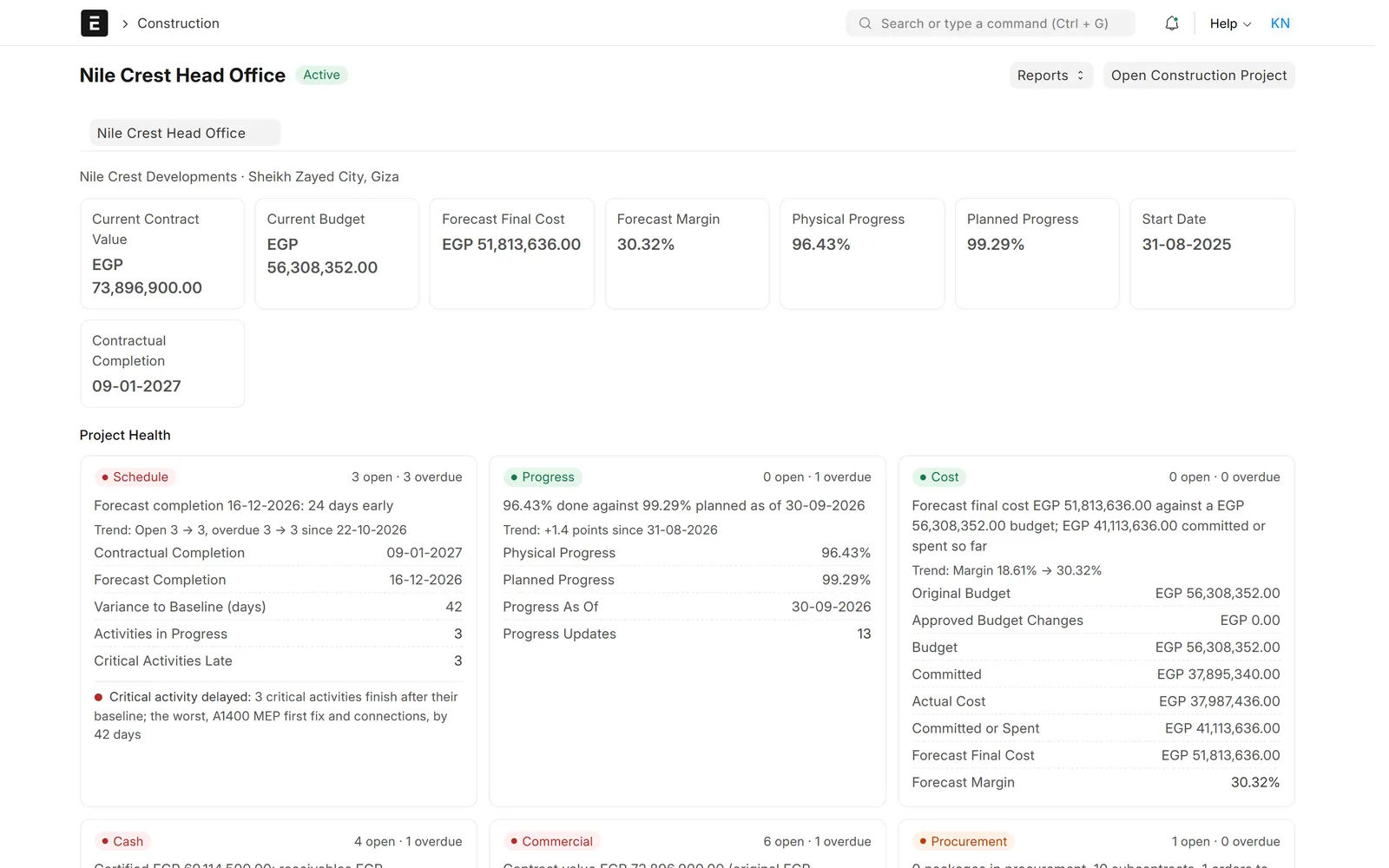
360° views and reports
Everything about a project, contract or customer on one page.
- Script and query reports with filters
- Budget against actual, progress and alerts
- Export to Excel and PDF
Portals, prints and mobile
Portals for customers and suppliers
Let people outside the company raise requests, approve work and follow progress.
- Secure login per customer or supplier
- Requests, approvals and documents in one place
- Arabic and English

Portals, prints and mobile
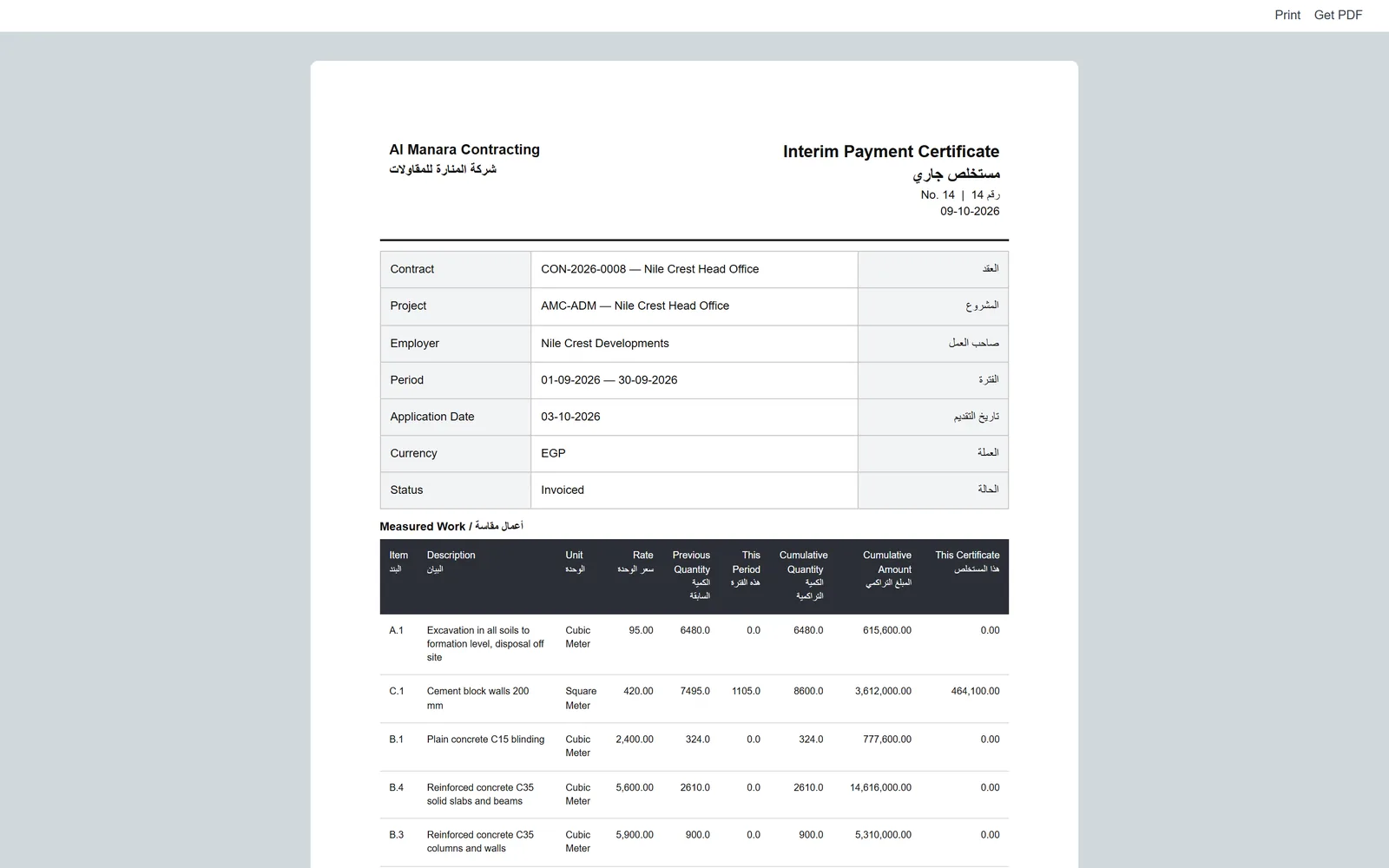
Print formats in Arabic and English
Documents that look like the paper your clients already know.
- Bilingual layouts, right to left
- Your logo, stamps and signatures
- Tax QR codes where the law asks for them
Portals, prints and mobile
Screens for phones in the field
Simple pages for technicians, drivers and site staff, on any phone.
- Checklists, photos and QR scanning
- Opens in the phone browser, no install
- Full native apps through our mobile app service

Screens show demo data.
Challenges vs. solutions
Common problems with custom work, and how we avoid them
| Challenge | How Data Value does it | Common approach |
|---|---|---|
| Work lives in spreadsheets next to ERPNext | The missing documents are built inside ERPNext and linked to its data | Copying numbers between files by hand |
| Changes to ERPNext core break on upgrade | Everything goes in a separate app, so ERPNext itself stays standard | Editing core files and fixing them after every update |
| A second system for one department | The department works in the same system, users and permissions | Another login, another database, another integration |
| Nobody knows how the custom code works | Code under version control, with a short guide for your admins | Undocumented scripts on the server |
Why Data Value
Why teams choose us for this work
Separate app, standard core
Your ERPNext stays standard, so upgrades stay possible.
We build our own products
Ready-made solutions, App Store apps and connectors come from the same team.
Arabic done properly
Screens, prints and documents right to left, not translated as an afterthought.
Tested before you see it
Work runs on a test site with your own cases first.
Frappe Certified Gold Partner
Recognised by Frappe, the company behind ERPNext.
One team after go-live
The people who wrote the code support it.
How it works
From idea to daily use
- WorkshopWe sit with the people who will use it and collect real examples.
- Written specScreens, fields, rules and reports agreed on paper first.
- Build on a test siteYou see working screens early and comment as we go.
- Go liveWe install the app on your site and train the users.
- SupportFixes and new versions under a support agreement.
Related
Works together with
Solutions
Built this way
FAQ
Frequently asked questions
Will custom work stop us from upgrading ERPNext?
We build in a separate Frappe app and do not edit ERPNext itself, so upgrades stay possible. Each upgrade still needs the app tested on the new version, which our upgrade service covers.
Can you build on a system another partner set up?
Yes. We start with a short review of the site and its existing custom apps, then agree what to build.
Which ERPNext versions do you build for?
New work targets ERPNext v15 and v16. For older versions we usually suggest upgrading first.
Do you also build mobile apps?
Yes. Simple field screens can live in ERPNext itself; full apps are built through our mobile app service.
How do you estimate a project?
After the workshop we write the spec and send a proposal based on it. Changes to the spec are agreed before they are built.
Tell us what ERPNext does not do for you
Book a call with real examples of the work, and we will tell you whether to configure, reuse or build.
Free demo · No commitment