

App Store
ERPNext App Store: themes, apps and add-ons
Unlock the full potential of your business with our robust Frappe Framework application, designed for efficiency, scalability, and seamless user experience.
Showing all 7 results
-
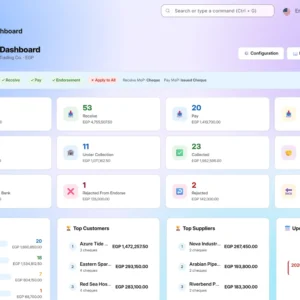
Cheque Management for ERPNext
Price on request Show Details -

Data Value Arabic: Professional Arabic Translation for ERPNext
Price on request Show Details -
Data Value Crystal for ERPNext v16
Price on request Show Details -
Data Value Dashboards and IFRS Financial Statements
Price on request Show Details -
Data Value Next Theme
Price on request Show Details -
Data Value Theme for ERPNext v15 and v16
Price on request Show Details -
ERPNext Point of Sale (POS)
Price on request Show Details
What you get from the ERPNext app store
The ERPNext app store by Data Value lists the ready-made apps and themes that our team builds for ERPNext. Each one has its own product page with screenshots and the full details. Prices are on request, so you can ask us for a quotation for your own site.
Apps for daily work
- Cheque Management for ERPNext tracks every received and issued cheque. For example, a deposit, a collection, an endorsement and a return each get their own journal entry.
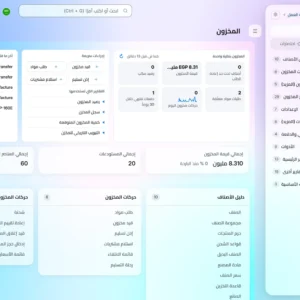
- Data Value Arabic gives you accurate, consistent Arabic for the whole ERPNext, Frappe and HRMS interface. In addition, it installs as its own app, so it never changes ERPNext code.
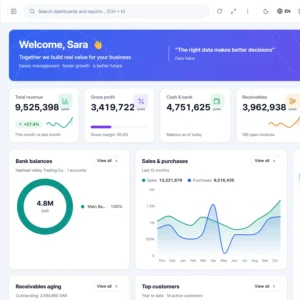
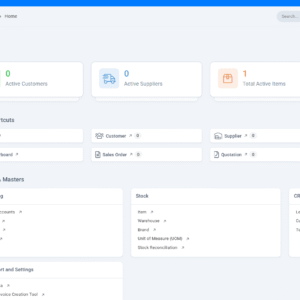
- Dashboards and IFRS Financial Statements adds ready dashboards for sales, buying, stock and finance. It also builds IFRS statements on your live data.
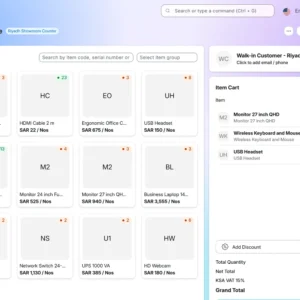
- ERPNext Point of Sale (POS) focuses on speed and accuracy. It works offline, then syncs automatically.
Themes for your ERPNext desk
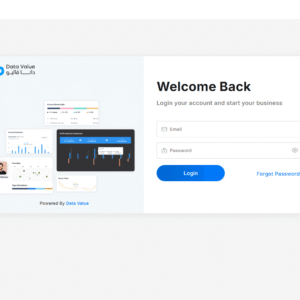
- Data Value Theme for ERPNext v15 and v16 gives your team a modern, branded desk. For instance, you get colour schemes, dark mode, a branded login page and a custom menu builder.
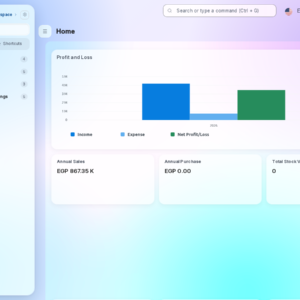
- Data Value Crystal for ERPNext v16 is a glass-style desk with wallpapers and menu styles. Each user can still switch back to the standard desk.
- Data Value Next Theme is a design theme for ERPNext version 15. It suits teams that value speed, clarity and style.
How to get an app from the ERPNext app store
- First, open the product page and read what the app does.
- Then press Request to Buy on that page and send us your details.
- After that, our team confirms that the app fits your ERPNext version and setup, and contacts you with a quotation.
When you need more than a ready-made app
ERPNext itself is the open-source ERP built by Frappe. However, some needs go beyond a ready-made app. In that case, see our ERPNext services or our ERPNext mobile apps. You can also talk to an ERPNext expert.