

Training & e-learning · Saudi Arabia, Egypt & MENA
Sell your courses online and report every learner to NELC
Give your training centre a bilingual course website where learners find a course, enrol, study and download their certificate, all on the open-source Frappe LMS.
Data Value adds the NELC connector that turns every enrolment, lesson, quiz, review and certificate into the xAPI learning record a Saudi e-learning licence requires, and shows which learners are not yet reported and why.
- Bilingual course website
- Learner accounts and certificates
- Automatic NELC xAPI reporting
- Reconciliation of every enrolment

What you get
What you get with Training & E-learning (NELC)
11 capabilities in 3 groups, each shown next to its screen in the real system.
Course website
Your own course website
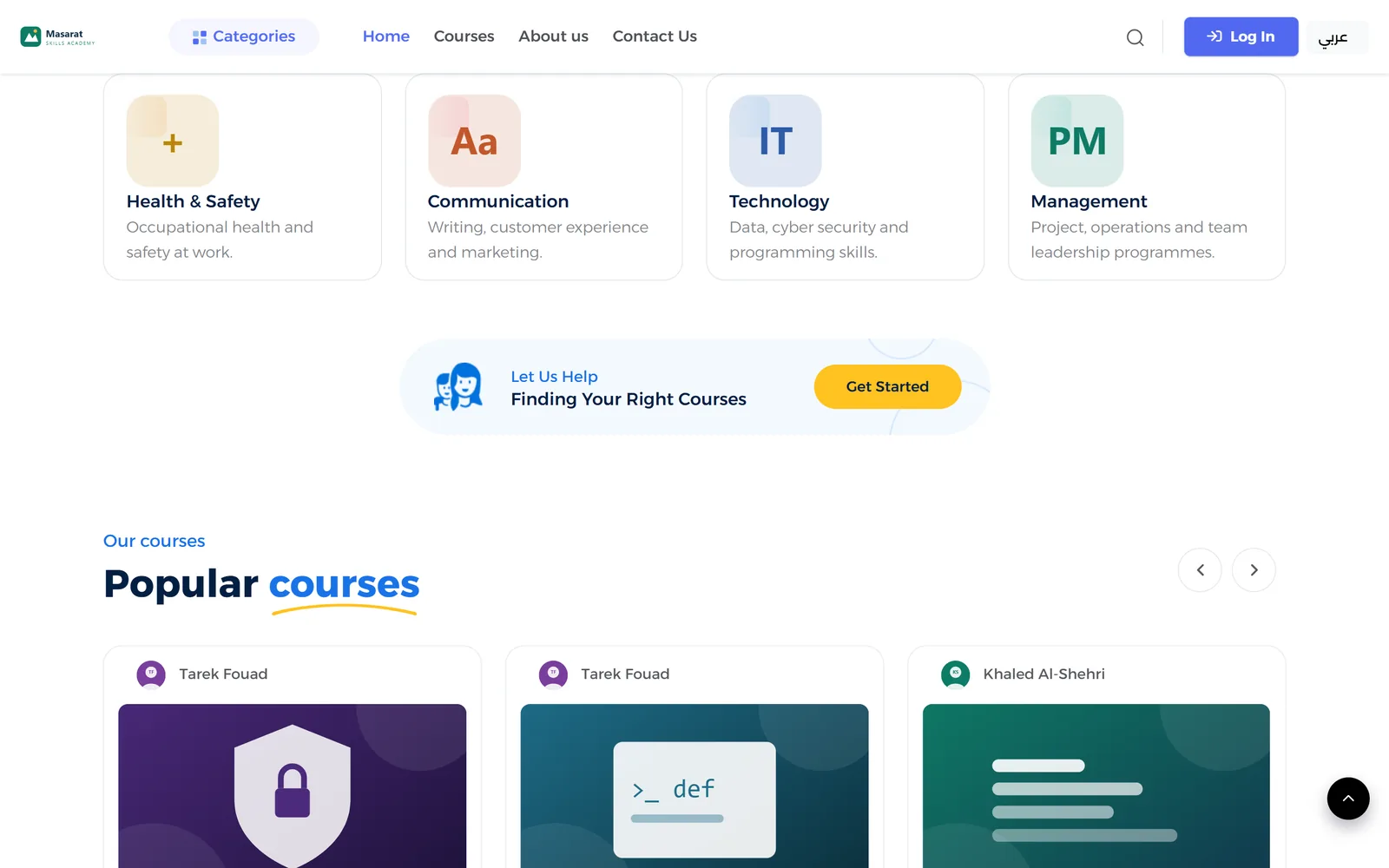
A home page with your logo, headline, course categories, popular courses, a featured course, learner reviews and trainers.
- Logo, headline and texts set from one settings screen
- Categories and popular courses chosen automatically or by hand
- A featured course and learner reviews on the home page
- Your trainers with photo and title
Course website
Course catalogue with prices and offers
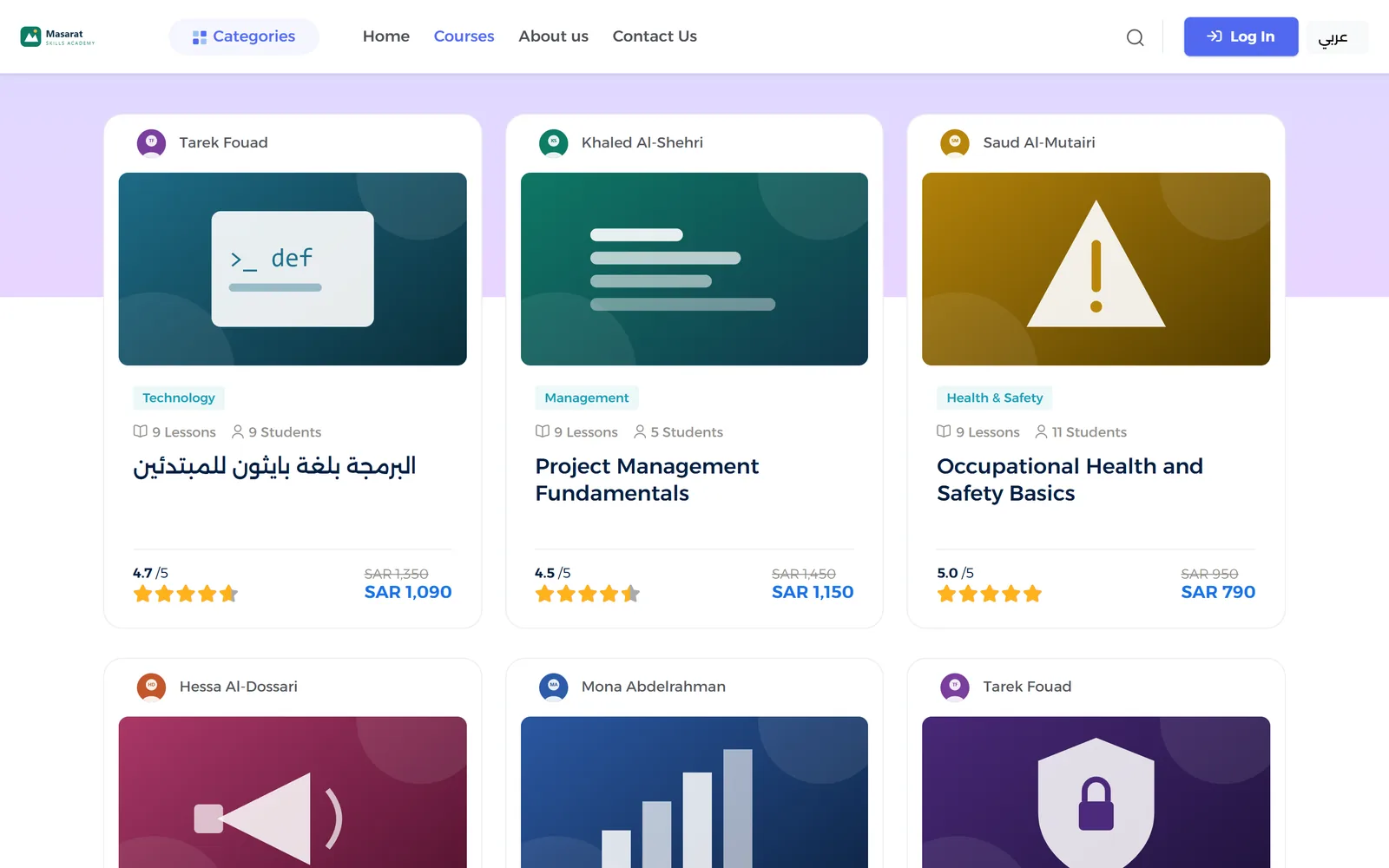
Learners browse all courses or one category, search and sort, and see each course's trainer, rating, list price and offer price.
- Search by course title
- Sort by newest, price, enrolments or rating
- List price and offer price on every card
- Lessons and learner count per course
Course website
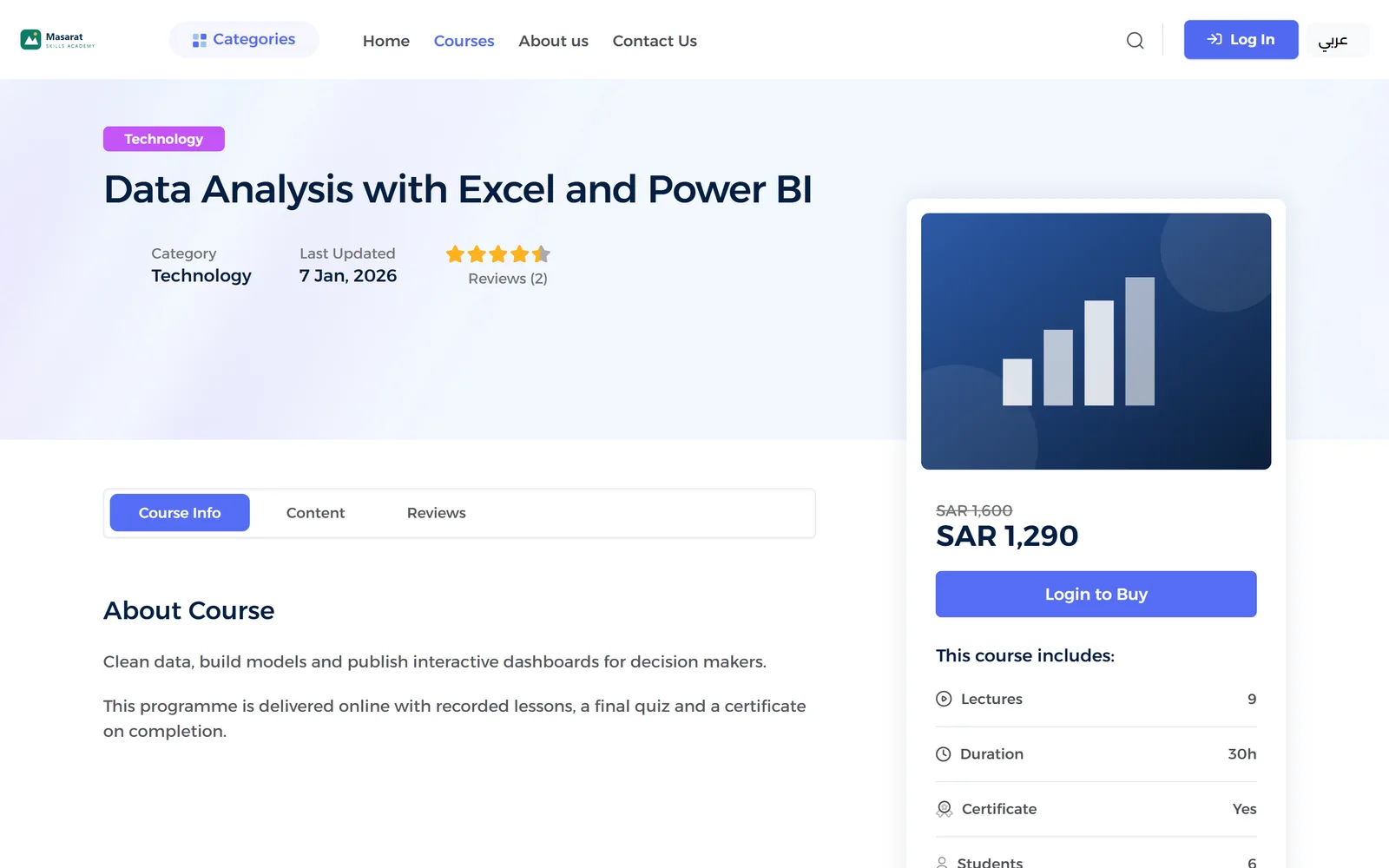
Course pages that sell
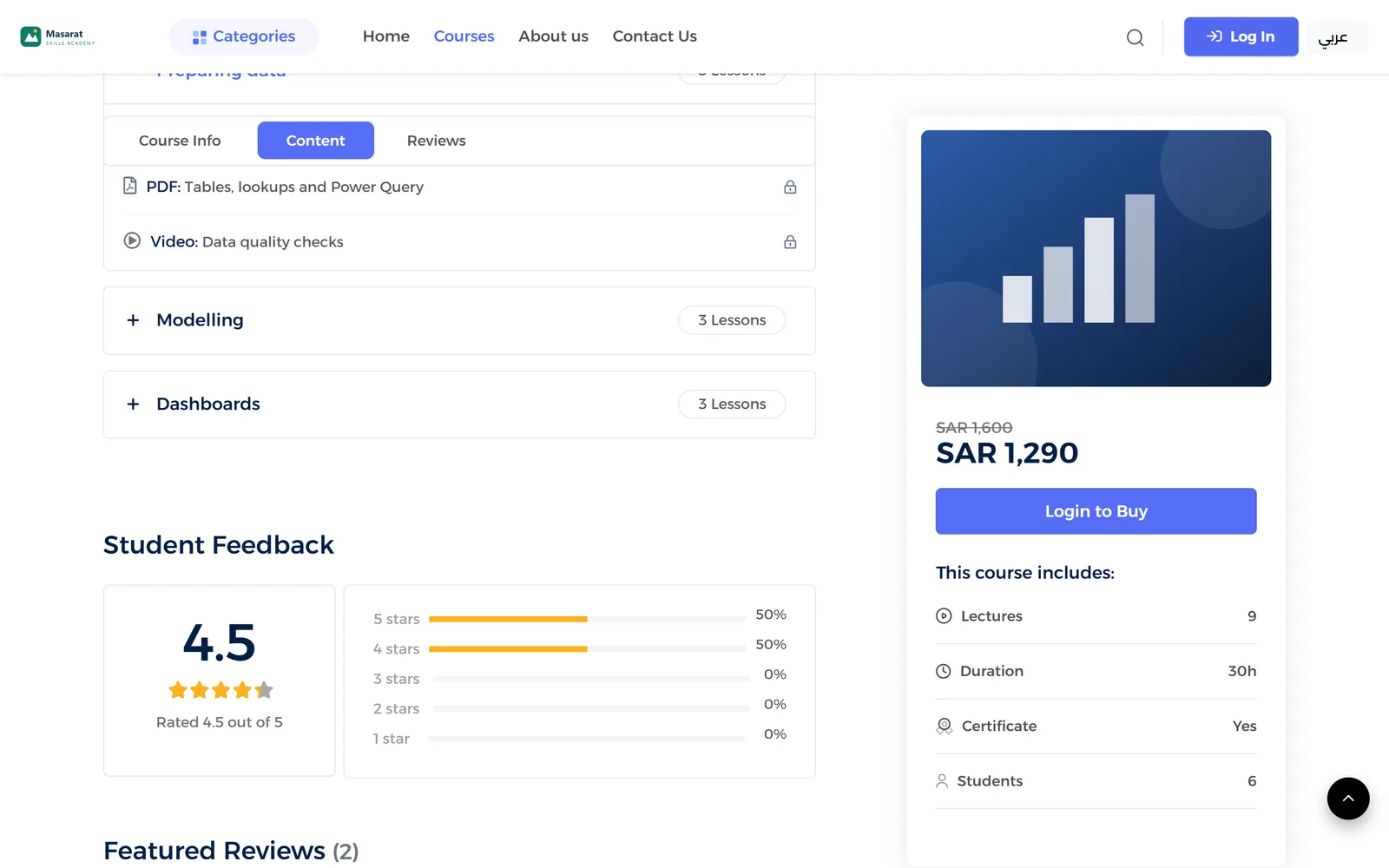
Description, curriculum by module and lesson, preview lessons, reviews, duration and certificate on one page.
- Separate Arabic course description
- Video, PDF and audio lesson types
- Free preview lessons, the rest locked until enrolment
- Rating breakdown and learner reviews
Course website
Arabic and English, right to left
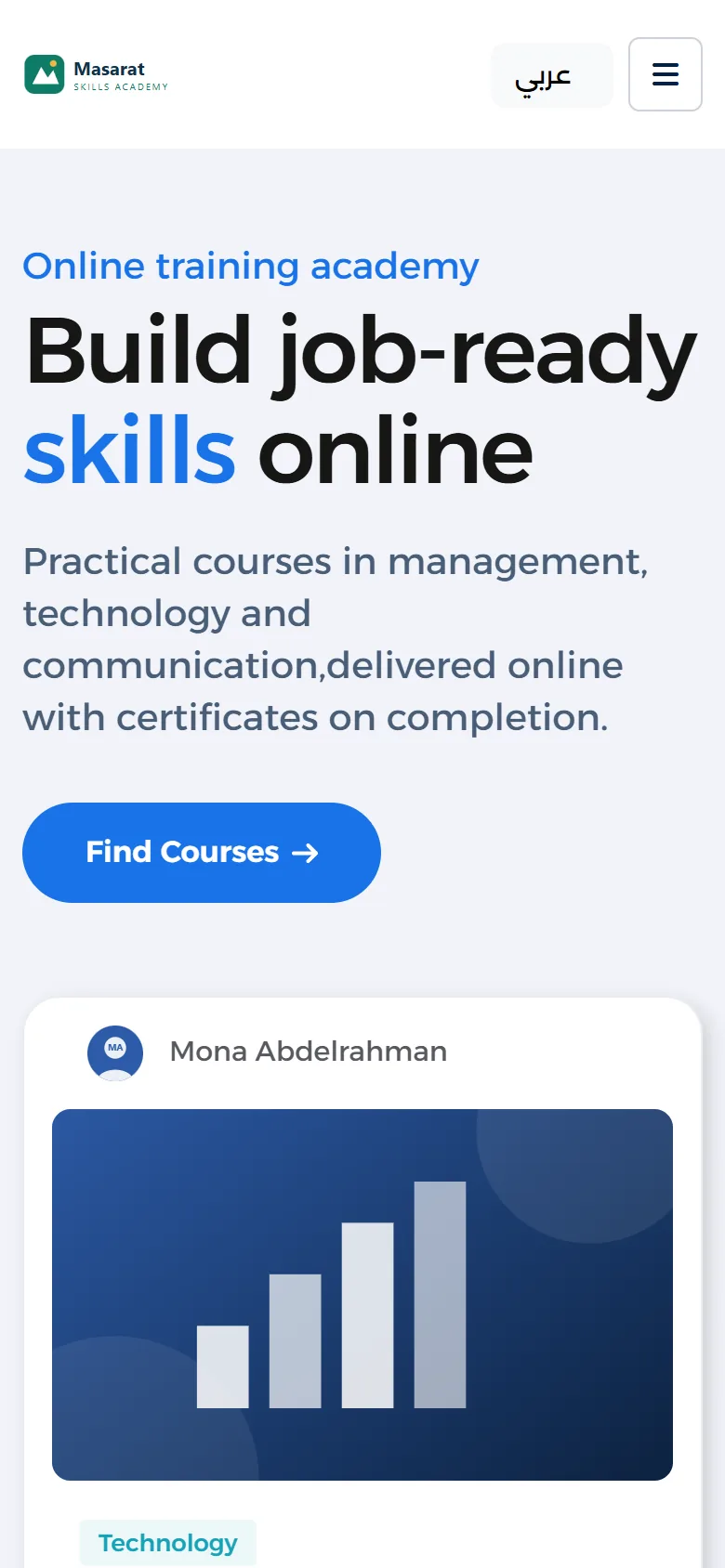
Visitors switch language from the header; the site turns right-to-left, and your own wording can be translated from the desk.
Learners
Learner accounts and certificates
Learners register with e-mail verification and follow their courses, reviews, quiz results and certificates in their profile.
- Registration with e-mail verification
- Enrolled and completed courses
- Quiz results and reviews
- Certificates to preview and download as PDF

Learners
Online checkout
Paid courses can be bought through a card payment gateway's hosted checkout page, and the learner is enrolled on return. The gateway account is set up for each client.
NELC reporting
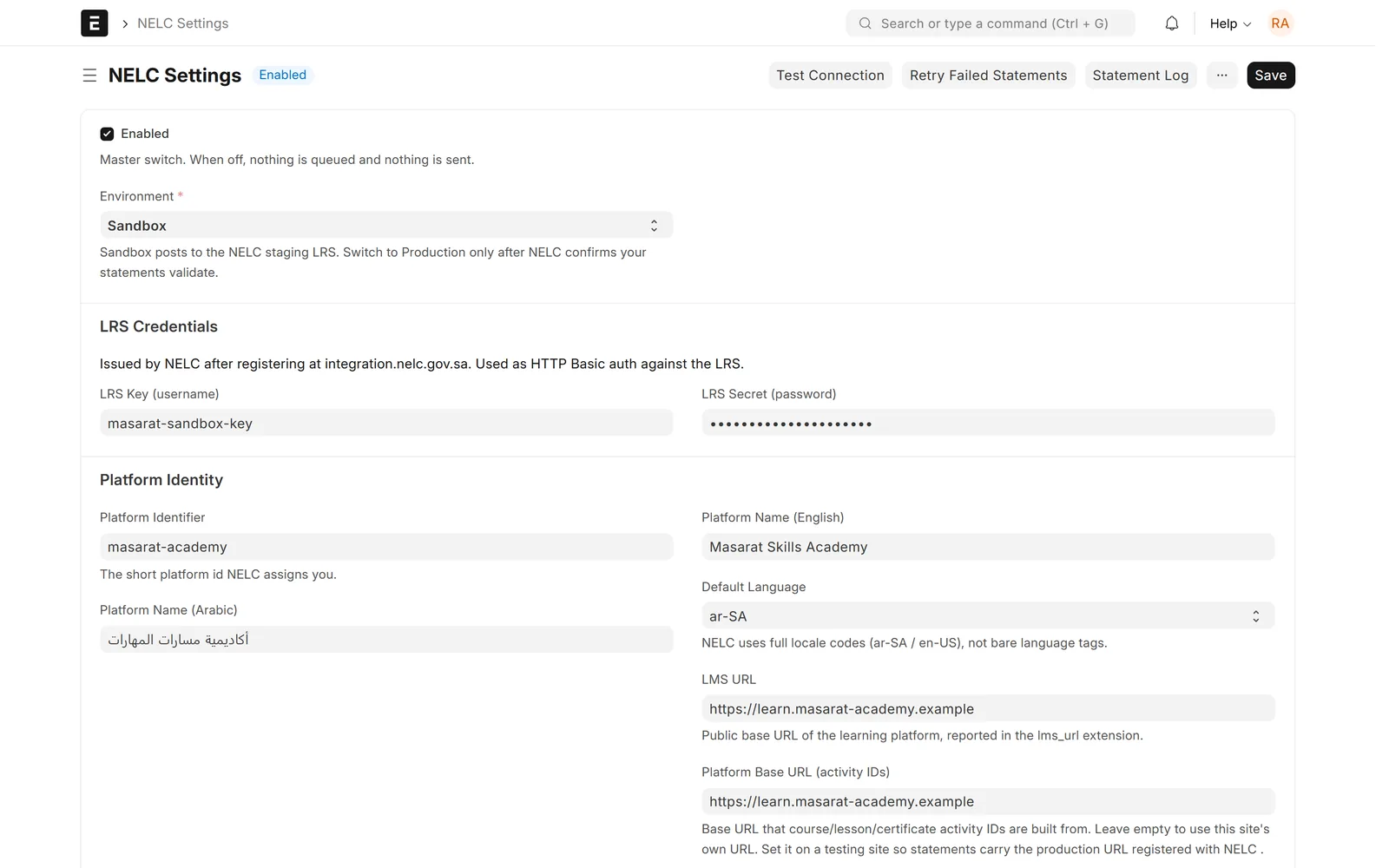
Learning records sent to NELC automatically
Enrolments, course starts, lesson and course completions, progress, quiz attempts, ratings and certificates become xAPI statements in NELC's format, sent in the background.
- Eight statement types, each can be switched on or off
- Video watching reported where the LMS records watch time
- Sent in the background without slowing the learner
- Separate sandbox and production endpoints
NELC reporting
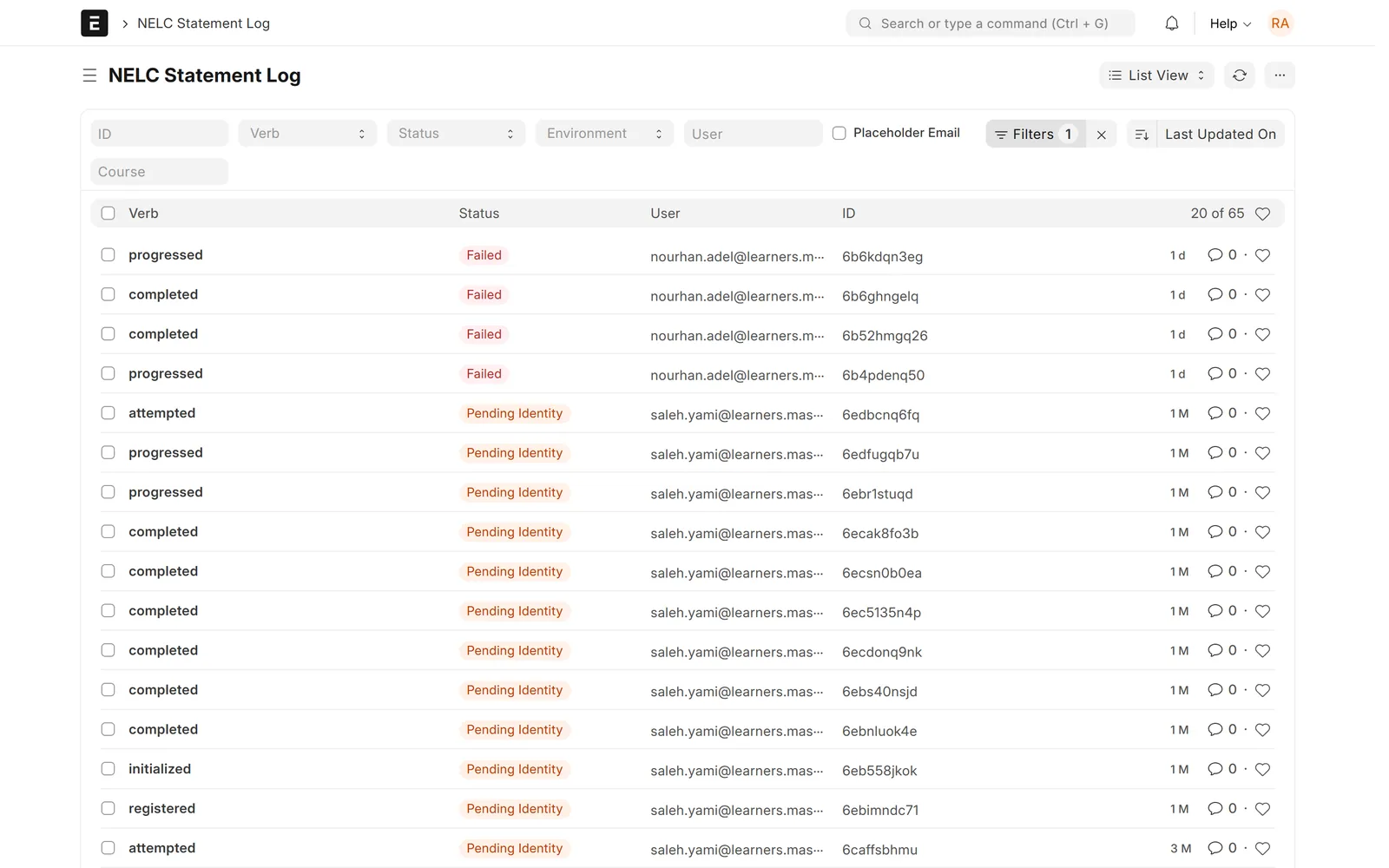
National ID handled the NELC way
NELC identifies learners by National ID or Iqama. Statements wait as Pending Identity until a valid number is on file, then go out automatically.
- 10-digit IDs starting with 1 or 2 by default
- Arabic digits are converted automatically
- Held statements are kept, not lost
- Released as soon as the ID is added
NELC reporting
Delivery you can rely on
Fixed statement IDs prevent double counting, temporary failures are retried hourly, and staff can test the connection or retry with one click.
- Fixed statement IDs, so a resend is never counted twice
- Hourly retry up to a set limit
- Permanent rejections flagged for review
- Test Connection and Retry buttons
NELC reporting
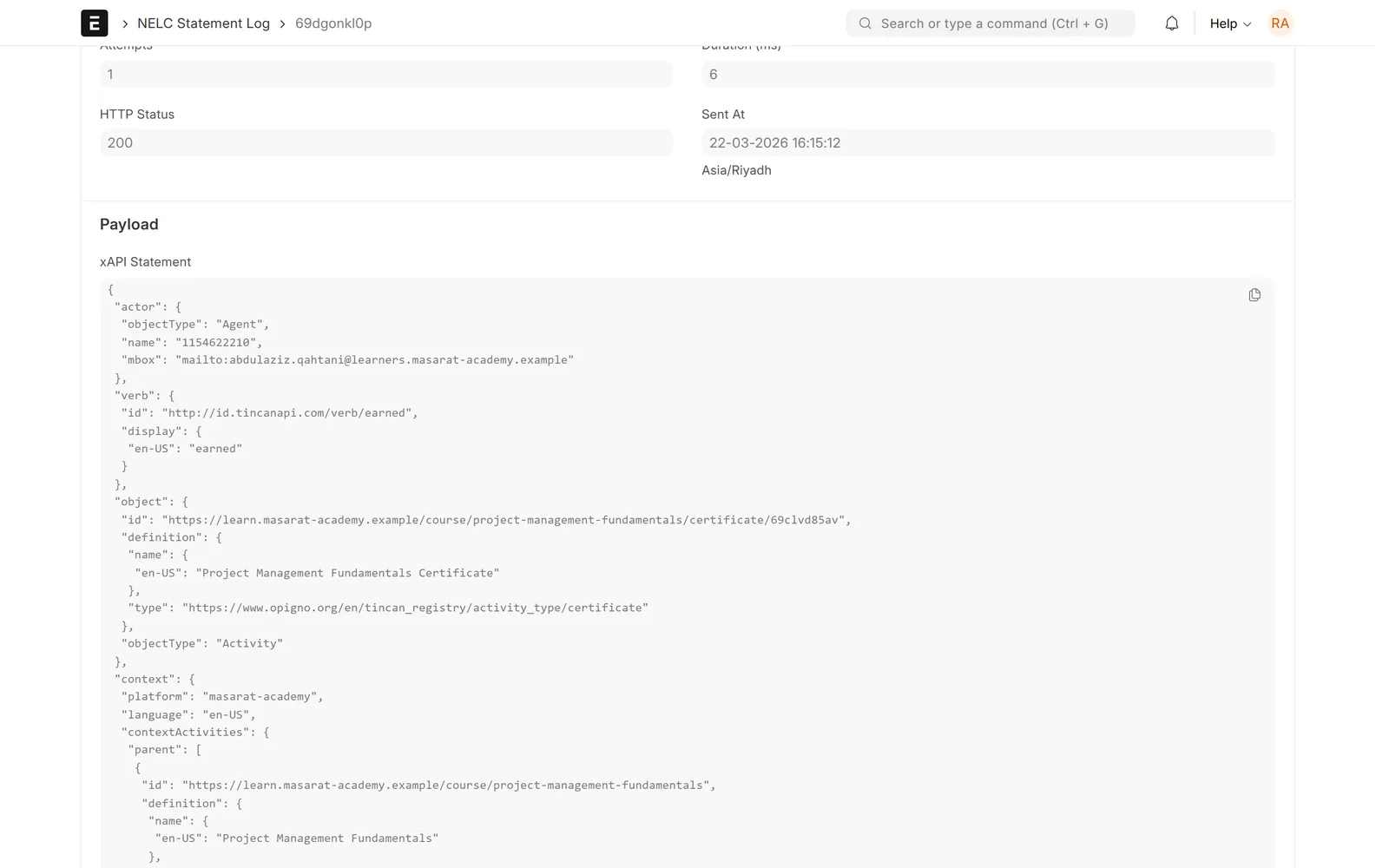
Proof of what was reported
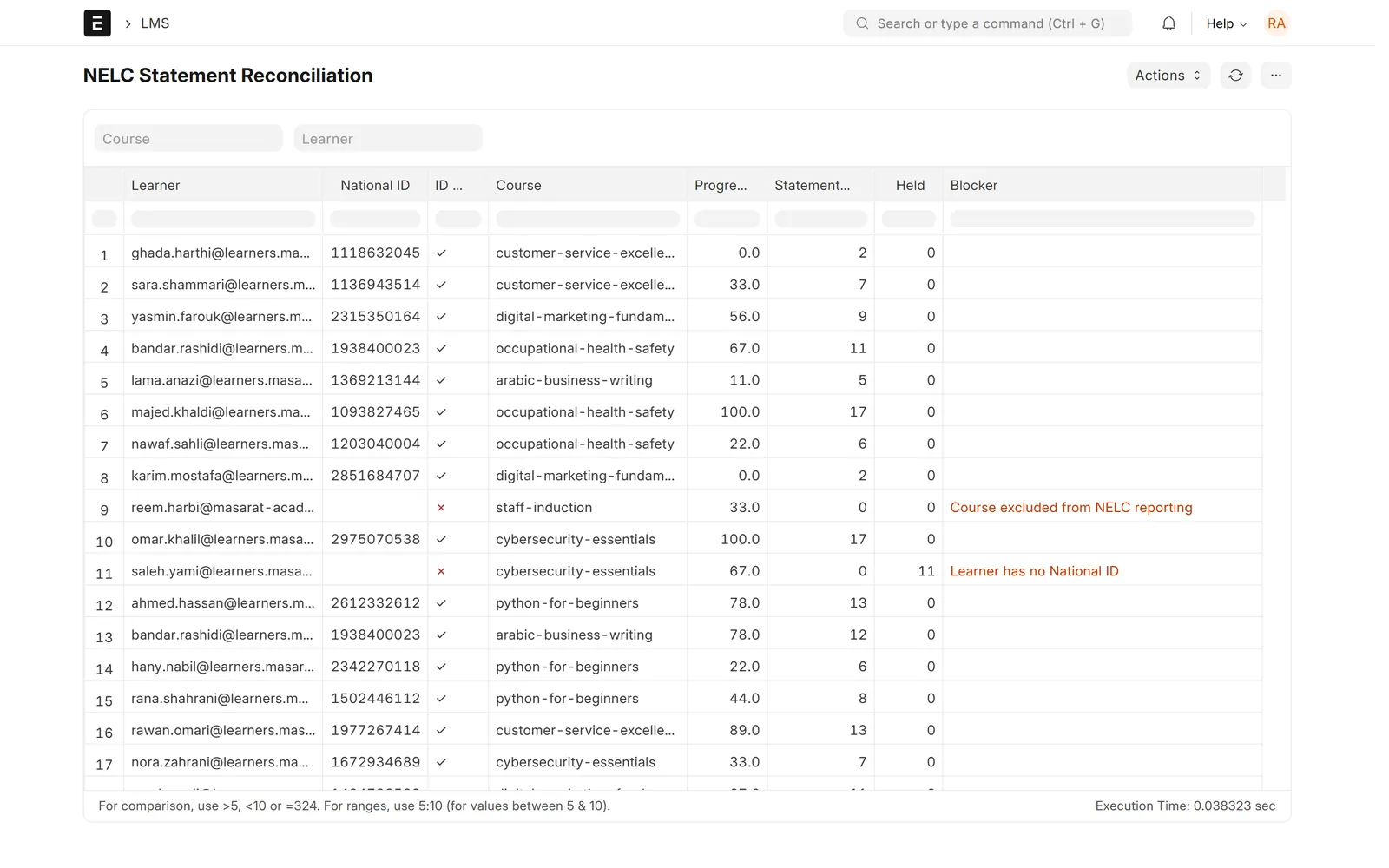
A statement log keeps the exact JSON sent and the LRS reply; a reconciliation report shows every enrolment and why any learner is not yet reported.
- Exact xAPI JSON and LRS response per statement
- HTTP status, attempts and time sent
- Enrolments with statements sent and held
- Blocker reason for every gap
NELC reporting
NELC details per course
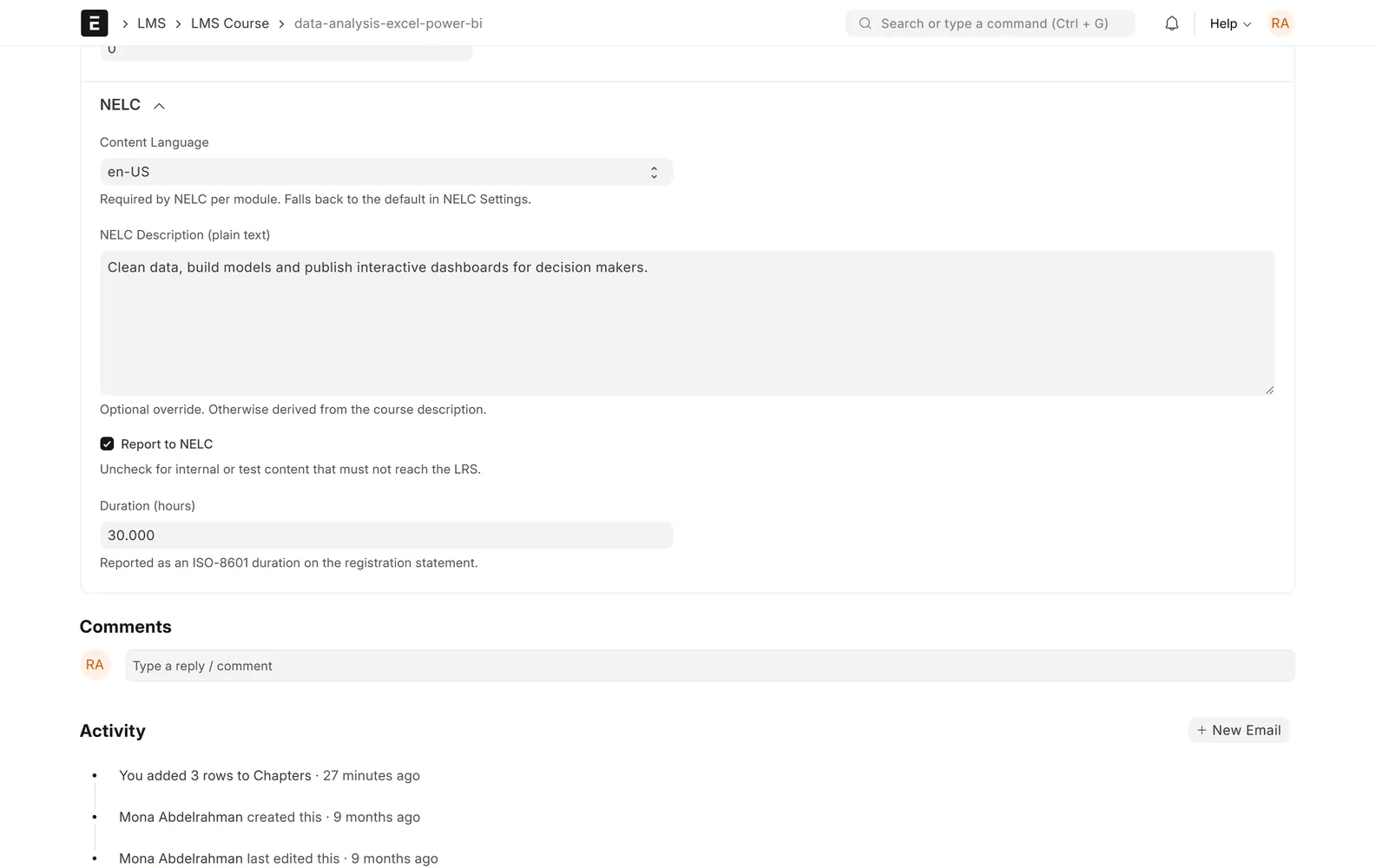
Choose which courses are reported, and set the content language, duration in hours and the plain-text description NELC receives.
Screens show demo data.