
Running today
Running in the wood trade today
Wood and pallet trader · Egypt
Accounts, sales, purchasing, stock and fixed assets on ERPNext with Data Value.
Client names withheld: business type and country only.
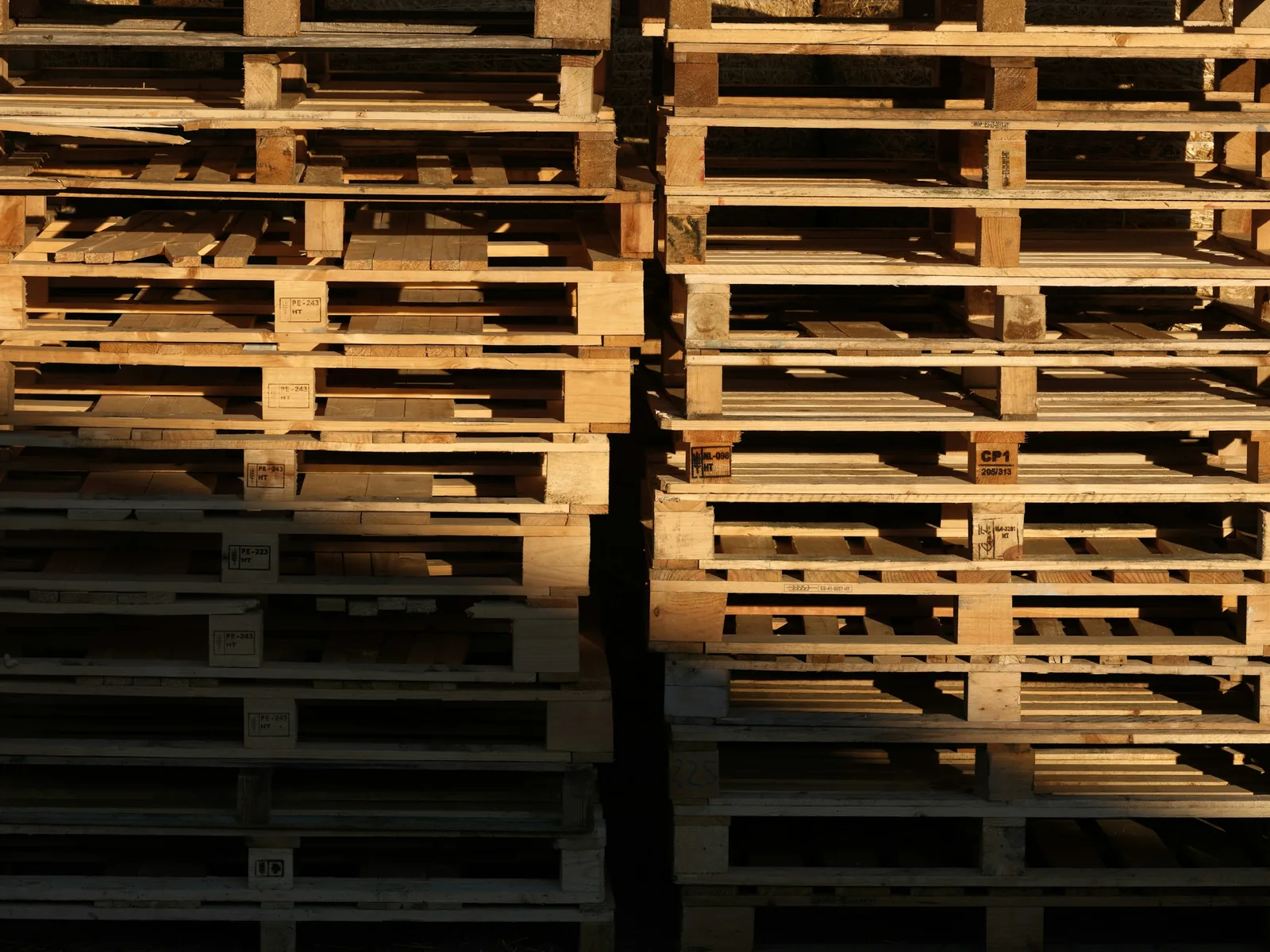
ERP for wood manufacturing from Data Value, built on ERPNext: buy timber by volume and use it by the piece, record the cutting loss on the bill of materials, run pallet and furniture orders through work orders and see the cost of every job.
Accounts, sales, purchasing, stock and fixed assets on ERPNext.
Accounts, sales, purchasing, stock and fixed assets on ERPNext.
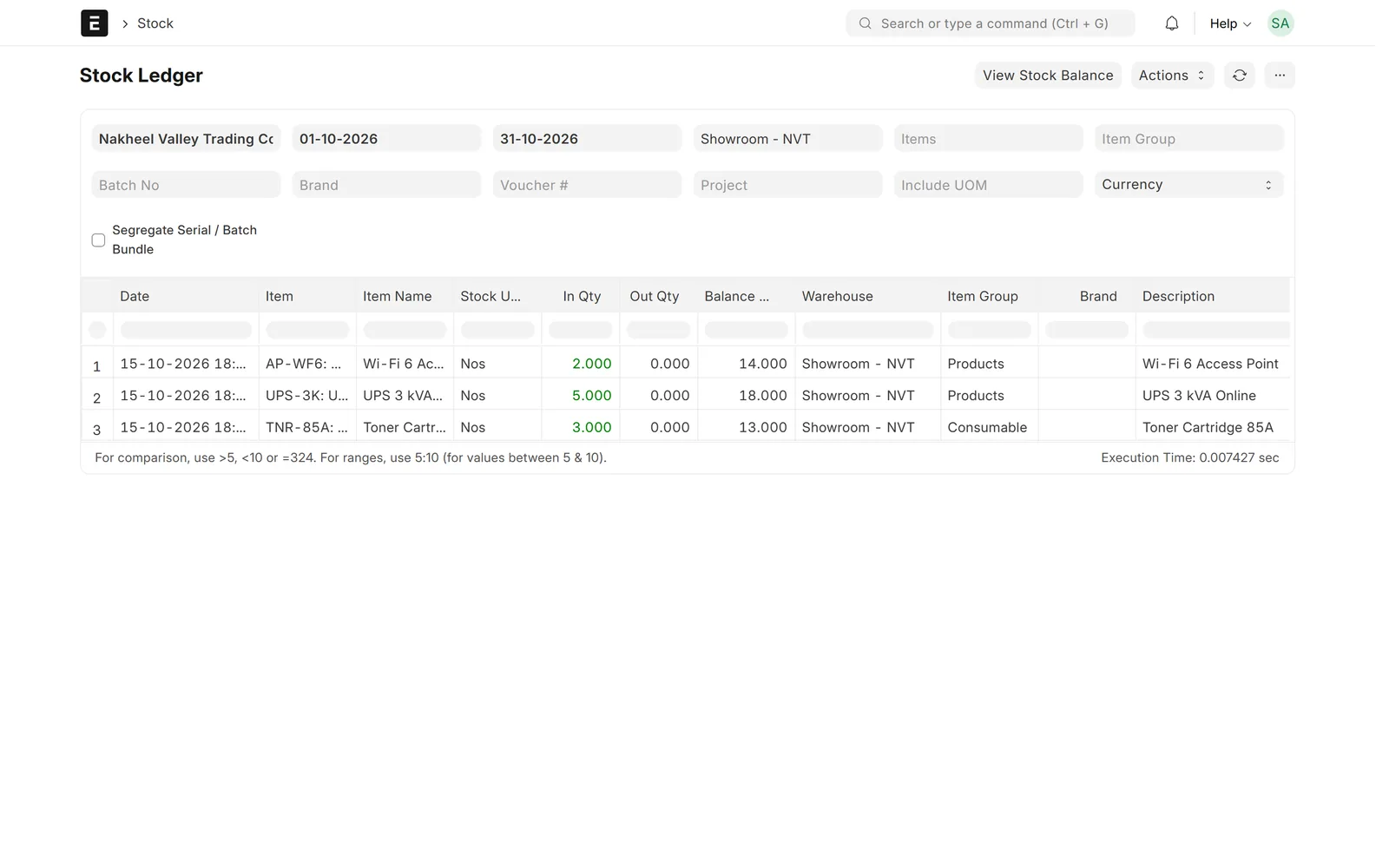
Set each timber size up as an item with its units: buy by cubic metre and issue by piece or sheet, with the conversion done for you. Every movement in and out is in the stock ledger.
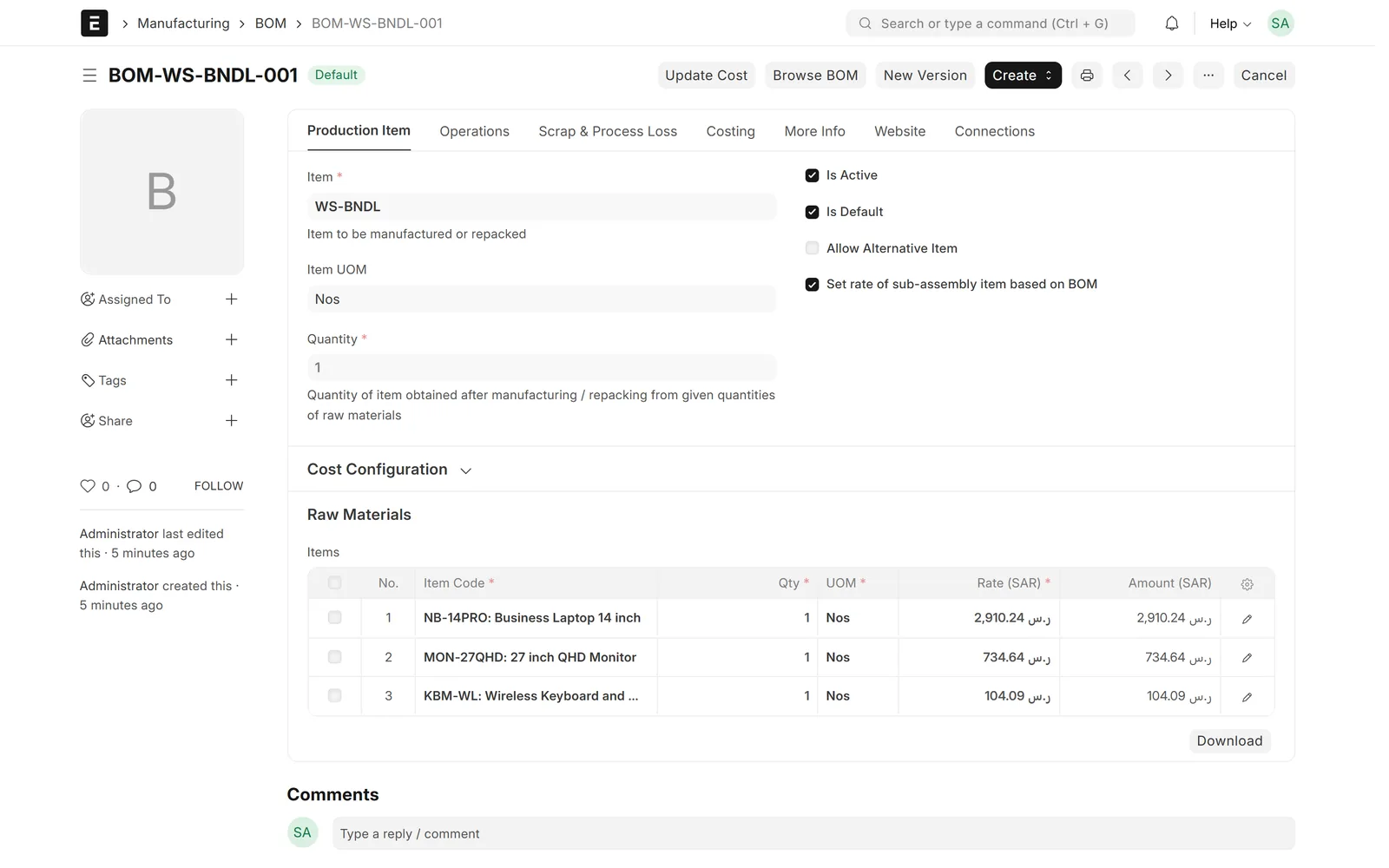
Write the bill of materials for each pallet or furniture piece: boards, blocks, nails and finish. Record the expected cutting loss and offcuts, so the cost of each piece includes the wood you lose.
Turn each customer order into a work order. The workshop issues the wood, reports what it made and returns the offcuts, and stock and cost update as it goes.
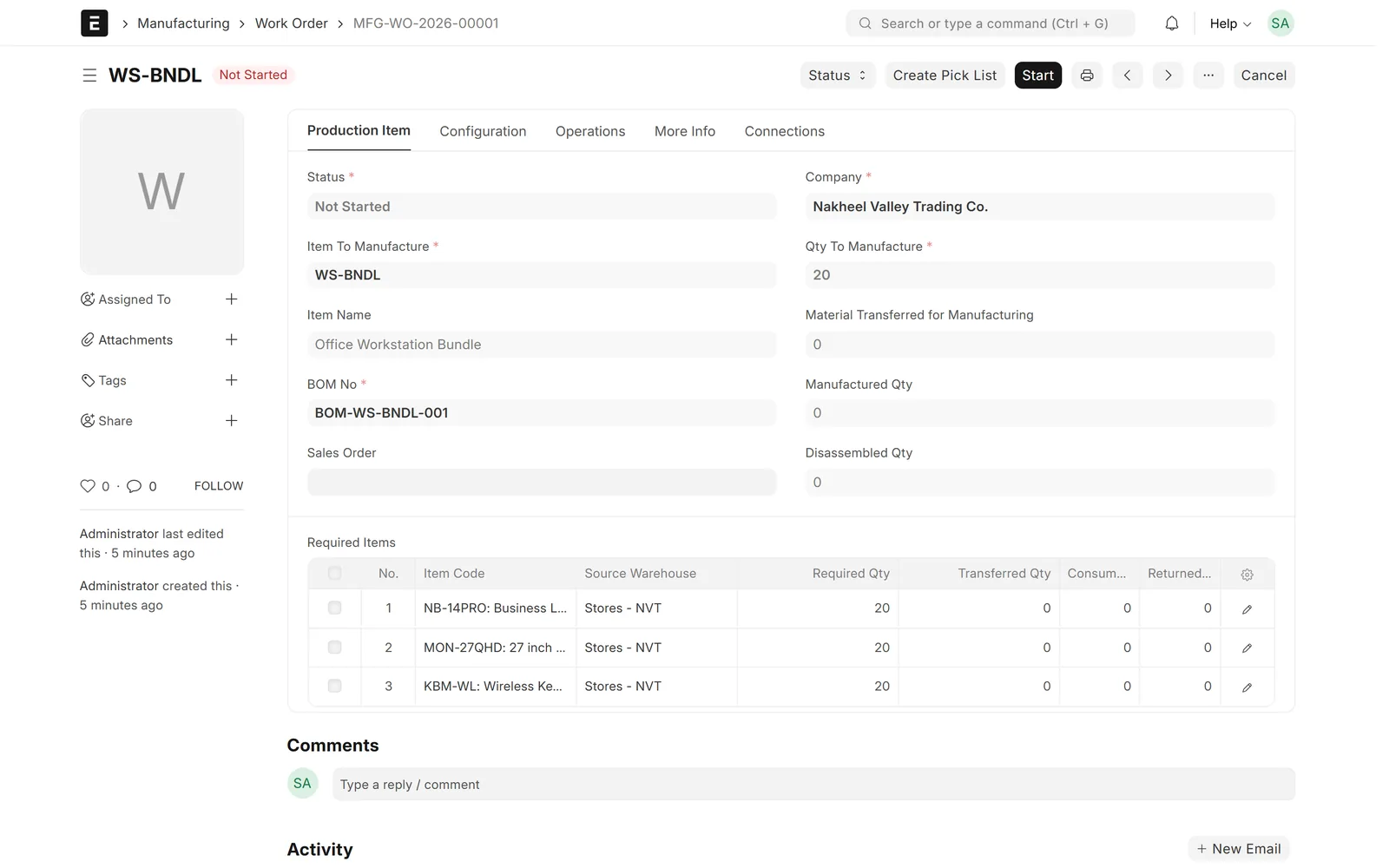
Screens show demo data from fictional companies.
Record machines, forklifts and trucks as fixed assets with depreciation and maintenance plans, so their cost and service dates are in the same books.
Accounts, sales, purchasing, stock and fixed assets on ERPNext with Data Value.
Client names withheld: business type and country only.
Yes. Each item can have several units with conversion factors, so purchase and issue units can differ.
The bill of materials holds the expected loss and the offcuts, and the work order records what really happened.
Yes. Materials, labour and overheads on the work order give the cost of each job.
Yes. Sales, purchasing, stock, accounts and fixed assets run in the same ERPNext system.
Tell us what you make and how you buy your timber. We show you a similar setup.

Each one opens a page that shows what we set up for that trade, and where.
All industries →Specific systems we built and extended on ERPNext and Frappe, shown with real screens.
Not sure which fits? We map your process to the right mix in a free demo.
All solutions →