

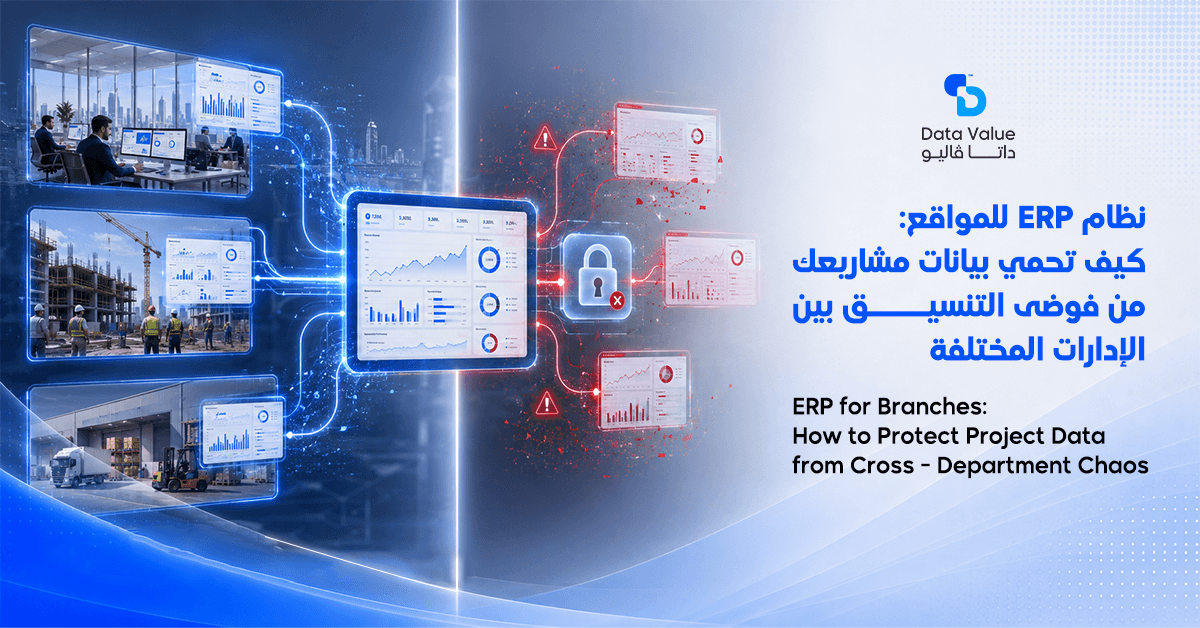
A single misconfigured access right can expose your entire company database overnight. This is exactly why ERP for branches needs a permission structure built for multi-location businesses, not a generic setup.
Data Value Solutions has seen this risk play out across retail chains, real estate firms, and multi-branch service companies.
Table of Contents
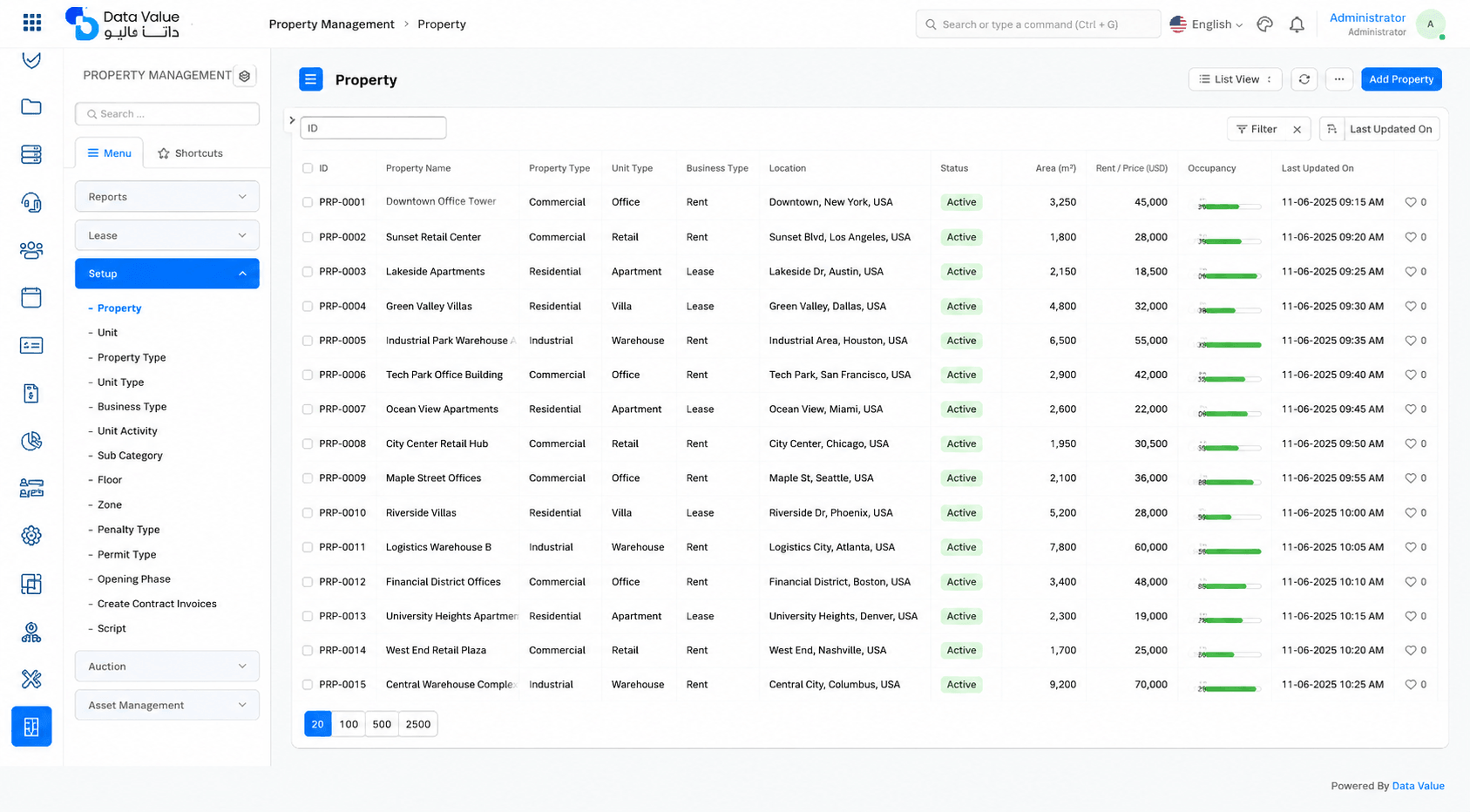
Why Growing Companies Need ERP for Branches Instead of Generic Software
Running more than one branch multiplies every operational risk a business already faces. Inventory, staff, and financial data no longer live in one place, so a single spreadsheet stops being enough.
One Database, Many Locations
A true multi-branch ERP system keeps every branch’s data inside one shared database instead of scattered local files. As a result, head office sees real inventory levels, sales, and staff activity without waiting for manual reports. This becomes critical once a company crosses three or four active branches, since manual reconciliation simply breaks down at that scale. Beyond a certain point, the cost of maintaining separate systems per branch often exceeds the cost of the unified platform itself.
Different Teams, Different Access Needs
Each branch manager, cashier, and warehouse keeper needs a different view of the same system. Therefore, the system must separate what a branch employee can see from what head office controls centrally. In addition, a branch accountant should never be able to edit another branch’s financial records by mistake.
The Hidden Cost of Disconnected Branch Systems
Many companies still run each branch on its own local software, then merge reports manually at month-end. This approach hides discrepancies until it is too late to fix them quickly. Consequently, decision-makers lose the ability to act on real-time numbers, which slows down every pricing and stocking decision across the network. Over time, this delay compounds, since each branch develops its own informal workarounds that head office never fully sees.
Core Features Every ERP for Branches Must Provide
Beyond basic accounting, a branch-ready system needs to support the daily reality of running several locations at once. The following functions separate a proper multi-branch solution from a single-location tool stretched too thin.
Centralized Inventory With Branch-Level Visibility
The system should track stock and branch-level data access, so each location manager sees only their own inventory while head office sees the full network. At the same time, stock transfers between branches must update both locations instantly, without manual double-entry.
Role-Based Access Control ERP as the Security Backbone
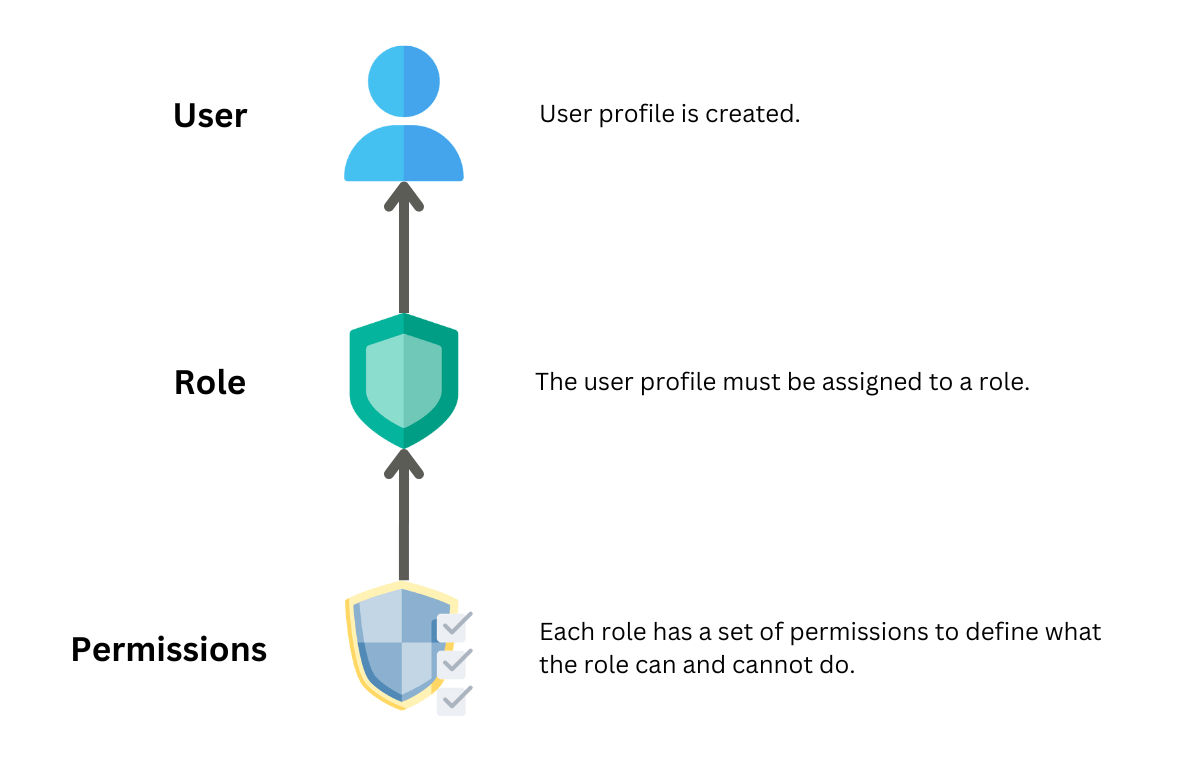
A solid role-based access control ERP setup is what actually keeps branch data separate and safe. It determines who can approve a purchase order, who can view salary data, and who can only enter daily sales. Without this layer, one shared login effectively removes every internal control the company has built.
Read next:
Financial Consolidation Across Every Branch
Head office needs one consolidated financial view that still breaks down by branch, product line, or region.
This structure supports financial approval workflows in which a branch manager submits a request, and a regional manager approves it digitally. As a result, approval delays shrink from days to hours across the whole network.
Multi-Company Structures for Franchises and Groups
Some businesses operate several legal entities under one brand, which requires multi-company ERP capability rather than a single-tenant setup.
This lets a holding company consolidate reports across subsidiaries while keeping each entity’s books legally separate.
How to Choose the Right ERP for Branches for Your Business
Not every vendor that claims “multi-branch support” actually built their system around it from day one. The following criteria help separate a system designed for branches from one retrofitted to look like it supports them.
A quick way to test this is to ask how the vendor’s own largest client manages branch-level permissions today.
ERP User Permissions Management You Can Actually Configure
Ask any vendor to demonstrate live ERP user permissions management during the demo, not just describe it in a slide. You should be able to create a custom role in minutes, restrict it to one branch, and test it immediately.
If this takes a support ticket and a week of waiting, the system was not designed for real multi-branch operations.
Support for ERP for Multiple Locations at Scale
A system that handles two branches smoothly may still collapse under twenty. Therefore, ask specifically how ERP for multiple locations performs once the branch count grows into the double digits, including report generation speed and user load.
Read next:
Deciding How Much Control Head Office Should Keep
Every company must decide how much control stays at head office versus how much moves to branch managers.
This is the core tension behind centralized vs. decentralized ERP access, and the right balance depends on how much you trust local teams with pricing and discounts. In practice, most growing companies start centralized and decentralize specific decisions gradually as trust and reporting maturity increase.
For a deeper technical breakdown of how permission systems are typically structured, Hsoub Academy covers the fundamentals of access management in software systems.
Evaluations Hub also explains role-based access control (RBAC) models in more detail for teams evaluating vendors.
Why Weak Access Controls Put Every Branch at Risk
Weak data security across branches does not just risk data loss; it risks regulatory exposure if customer or financial data leaks.
A serious ERP vendor treats this as a core design requirement, not an add-on module sold separately later.
The Business Value You Get From a Properly Deployed ERP for Branches
Once a company deploys ERP for branches correctly, the operational picture changes within the first reporting cycle.
Head office finally compares branches against each other using the same standardized numbers. This shift also changes how quickly problems surface, since a branch underperforming on margin or stock turnover becomes visible within days instead of at quarter-end.
Audit Trail and Compliance Become Automatic
Every action inside the system gets logged, which builds a reliable audit trail & compliance record without extra manual work. When a discrepancy appears in any branch, management can trace exactly who changed what and when, rather than guessing.
Aamali Pro discusses why disciplined user permission management directly supports this kind of accountability across growing teams.
Fewer Daily Errors Through Clear Roles
Well-defined user roles and permissions cut down on the accidental edits and duplicate entries that plague loosely managed systems. Staff naturally make fewer mistakes when the system only shows them the screens relevant to their job.
Faster, More Confident Branch-Level Decisions
Regional managers get branch-specific dashboards instead of waiting for a monthly consolidated report from head office. You can review real customer implementations on our clients page to see this in practice across different industries.
If your company manages branches within real estate or contracting, explore our dedicated real estate and contracting solutions built around this exact structure. Many of these clients started with two or three branches and scaled to dozens without changing their core platform.
Conclusion: Choosing ERP for Branches Is a Security Decision, Not Just a Software One
Multi-branch growth exposes every gap in how a company manages data, permissions, and financial approvals.
Throughout this article, we covered why generic software fails at scale, which features actually matter, and how to evaluate a vendor honestly. None of these gaps announce themselves loudly; they usually surface as a small discrepancy that turns out to be a much larger pattern.
Ultimately, the software itself is only half the equation. Success depends on how well the implementation team understands your branch structure, approval chains, and risk tolerance before go-live.
This is the approach Data Value takes with every implementation project, starting with a detailed review of how your branches actually operate today.
If you’re evaluating your options, browse the blog for more implementation guides, or reach out to Data Value directly to walk through your branch structure with our team.
Frequently Asked Questions
What does ERP for branches actually mean?
It refers to an ERP system built to manage multiple physical or legal locations from one central database, with separate visibility and controls for each branch. This differs from single-location software adapted after the fact. Browse the blog for more branch-specific implementation examples.
How is role-based access control different from basic user logins?
Basic logins just verify identity, while role-based access control ERP assigns specific permissions tied to a job function rather than a person. This means access stays consistent even as staff change roles or leave the company. Request a demo to see role configuration in action.
Can each branch have its own inventory while still reporting to head office?
Yes, a proper multi-branch ERP system tracks stock separately per branch while rolling everything into one consolidated inventory report. Transfers between branches update both locations automatically.
What happens if an employee is granted the wrong permission level?
Without proper ERP user permissions management, an employee could view, edit, or delete data outside their role, creating financial or compliance risk. A strong audit trail helps identify and reverse this quickly.
Is centralized or decentralized ERP access better for a growing company?
Neither is universally better; the right balance depends on how much local decision-making authority each branch manager needs. Most companies centralize financial approvals while decentralizing day-to-day operational entries.
Does ERP for multiple locations require separate software licenses per branch?
This depends on the vendor, but most modern group-wide ERP platforms license by users or modules rather than by physical branch. This makes scaling to new locations more predictable financially. Browse the blog for pricing and scaling guidance.
How long does it take to roll out a multi-branch ERP system across an existing network?
Timelines vary by branch count and data readiness, but most companies complete a phased rollout within a few months rather than deploying every branch at once. Starting with one pilot branch reduces risk significantly.